July product updates
Features marked as Prezly Labs 💡 below are currently in testing. If you want early access, let us know in the support chat and we'll switch it on for your account.
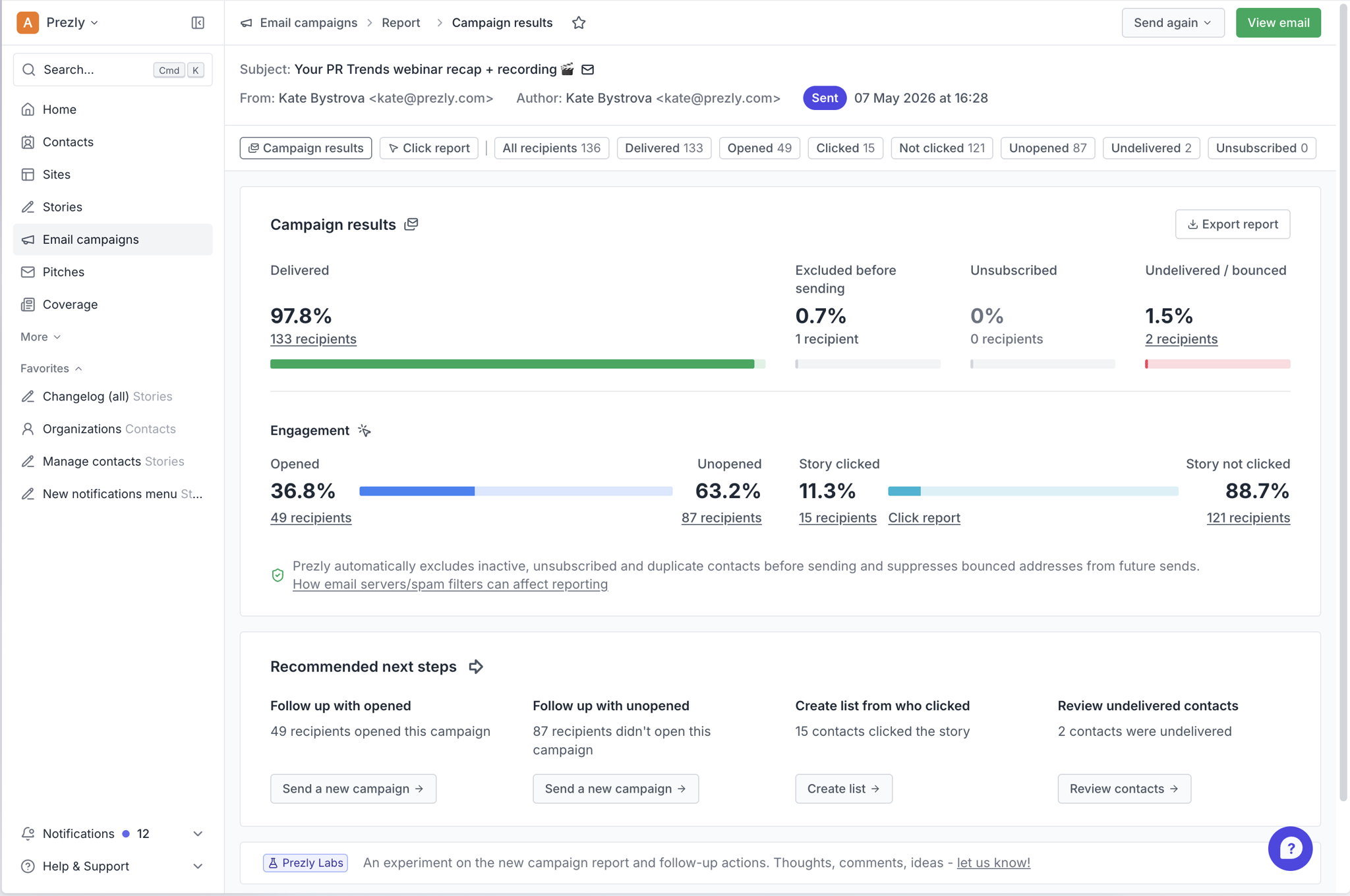
Next time you send a campaign, you'll notice that the report page looks a little different. We've updated its layout so that it's easier to see the biggest numbers at a glance, and surfaced actions so you can follow up without having to dig through the menus.
The biggest changes:
- Information is much more clearly presented (subject line, related story and newsroom, engagement rates etc
- Clear buttons to follow up, review contacts, create media list, and export report
- New views so you can filter recipients by more variables, e.g. those who opened but did not click on your story
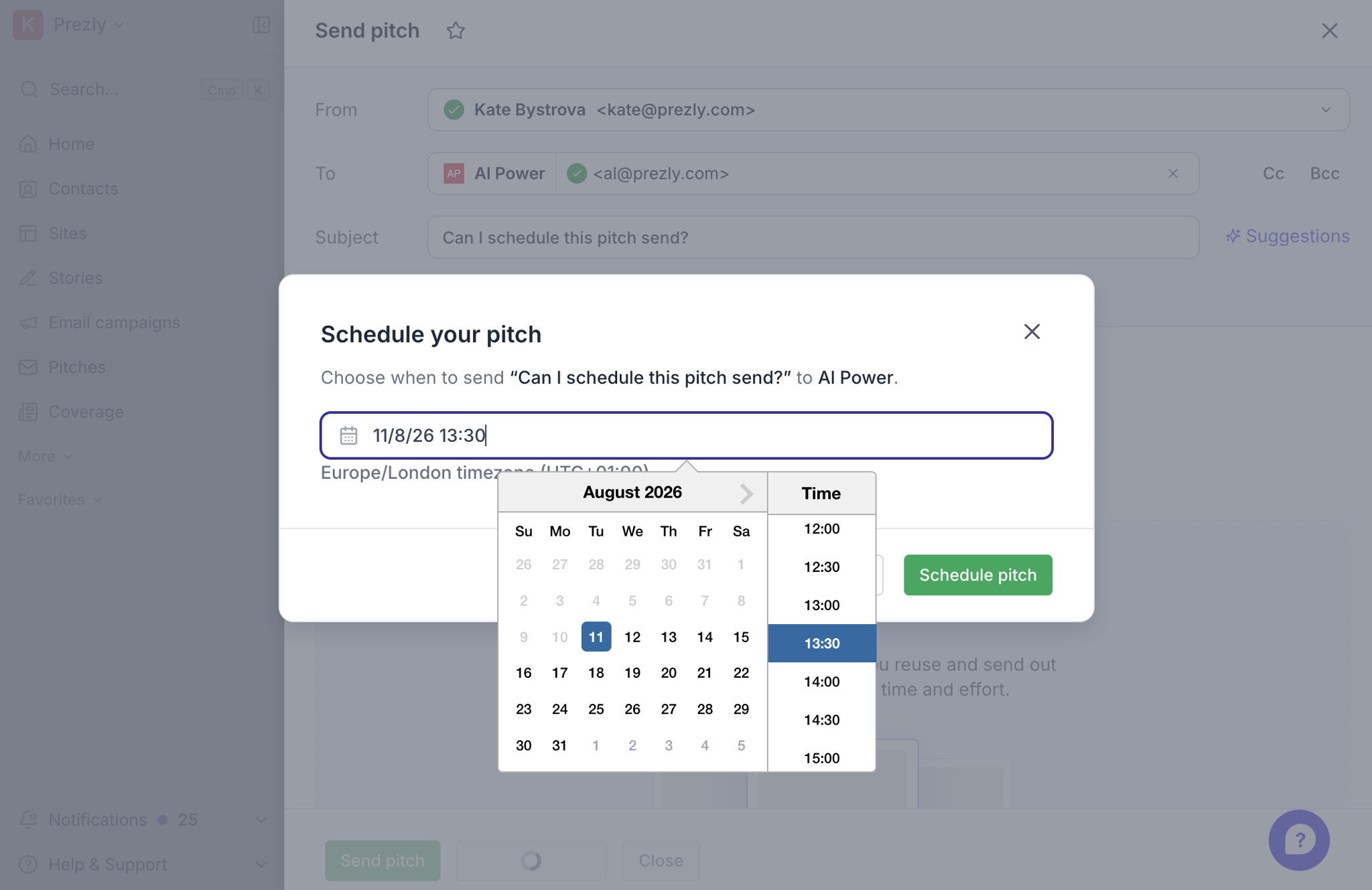
One feature update that's been a long time coming: you can now schedule 1–1 email pitches in much the same way as you would email campaigns. You'll find the "Schedule pitch" button right next to "Send pitch" at the bottom of your message.
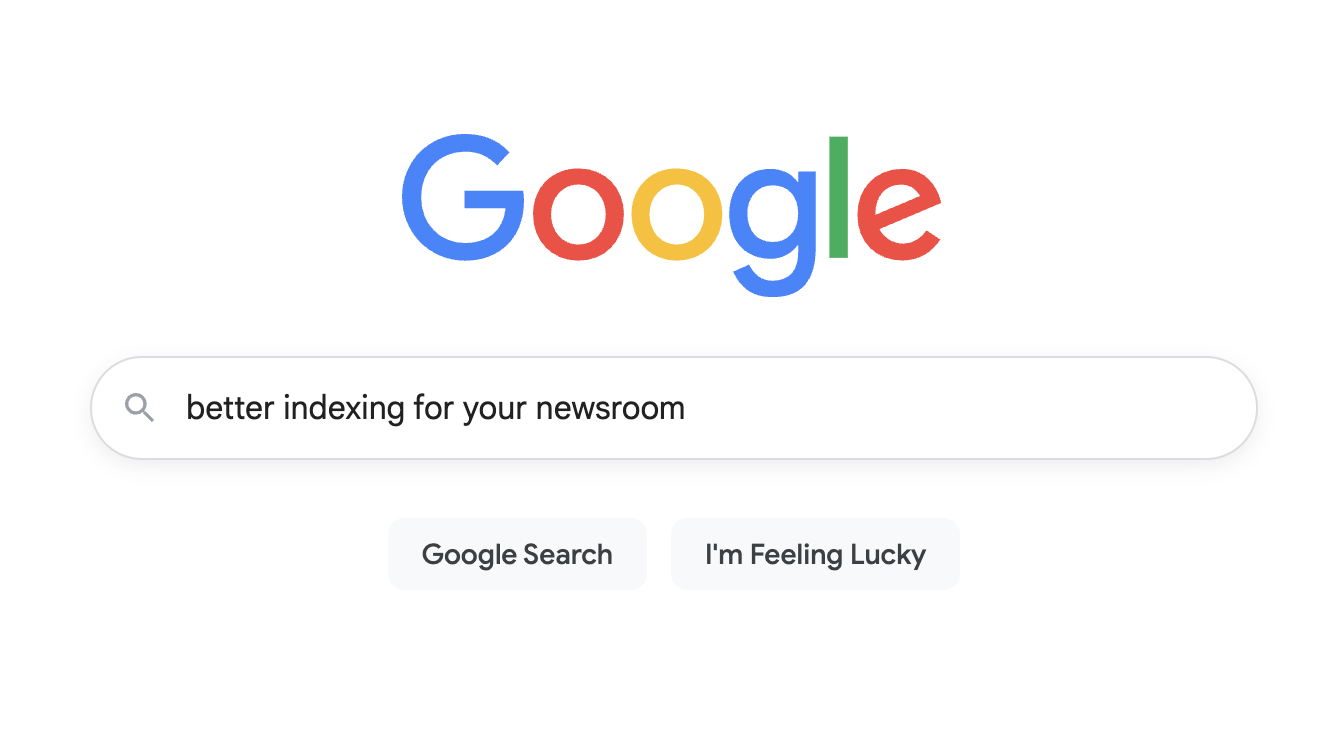
We've added JSON-LD data to your Prezly sites, meaning they will now show up even better in search engines like Google.
This also helps with generative search engines like Google's AI Overview and Perplexity.
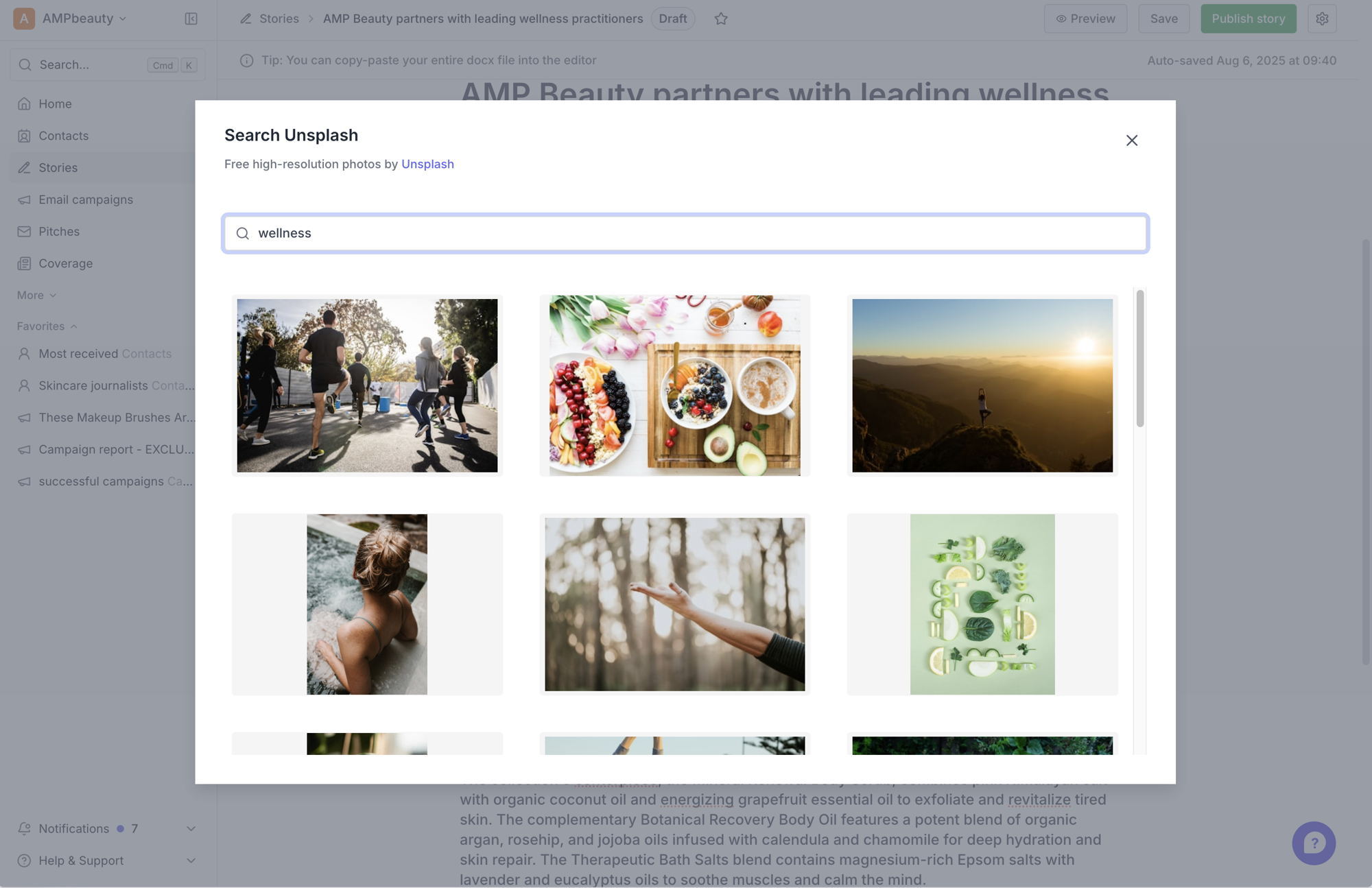
We've added an integration in our story editor with Unsplash – a great online resource of over 6 million free high-resolution photos and illustrations. Simply choose Unsplash in the story editor menu, then search for what you need, then click an image to insert it, and it's downloaded and copied into your story.
Prezly Labs: The four updates below are currently in testing. If you want to be among the first to try them, let us know through the support chat.
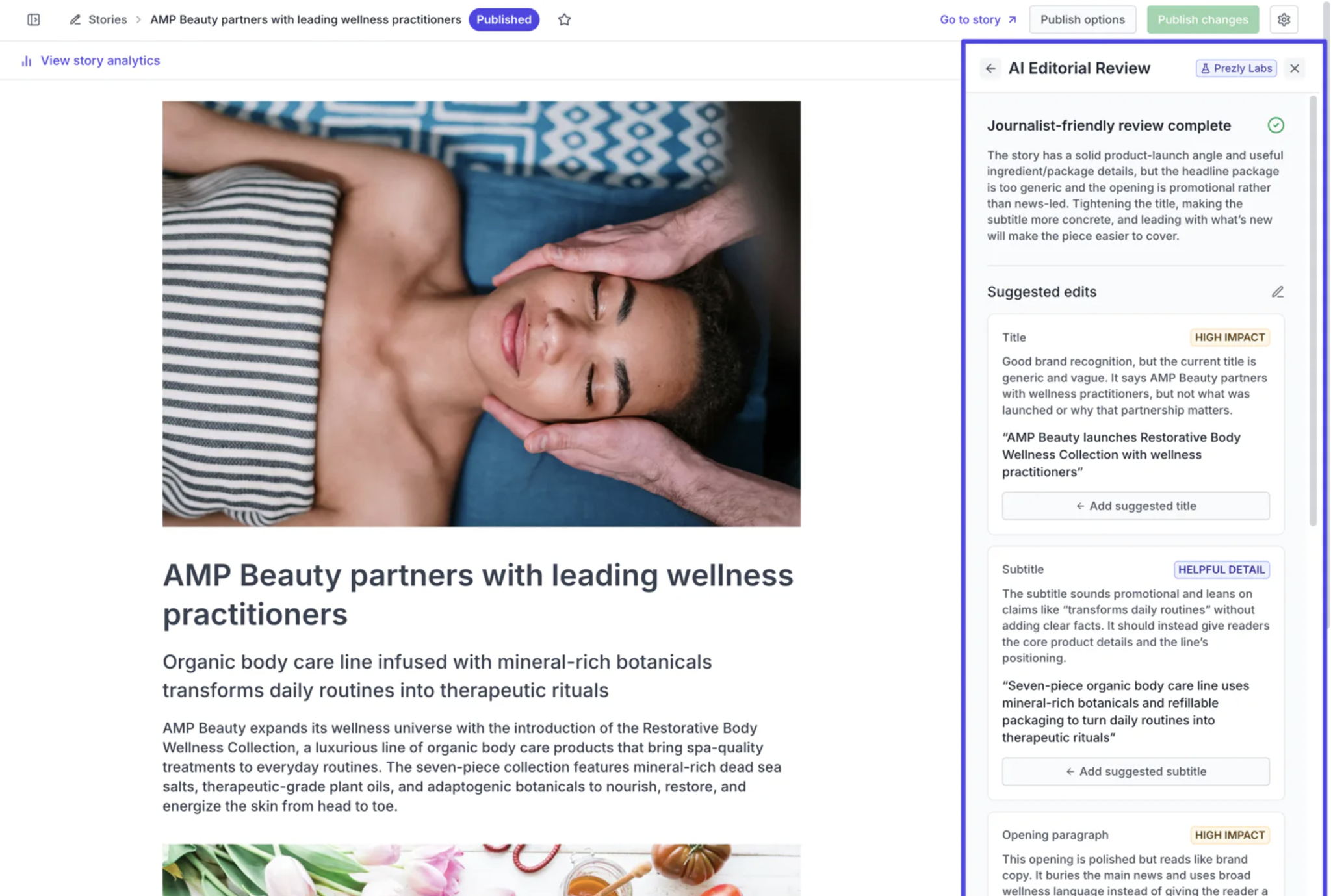
As part of our Prezly Labs experiments, we've released a new AI editorial review tool within the Story Editor.
It lets you choose three different review styles: journalist friendly, neutral and factual, and commercial.
It then uses that review style to check your story, title, subtitle and content and give you suggestions for improvements. You can then apply specific improvements with one-click if you like them, and review any general recommendations.
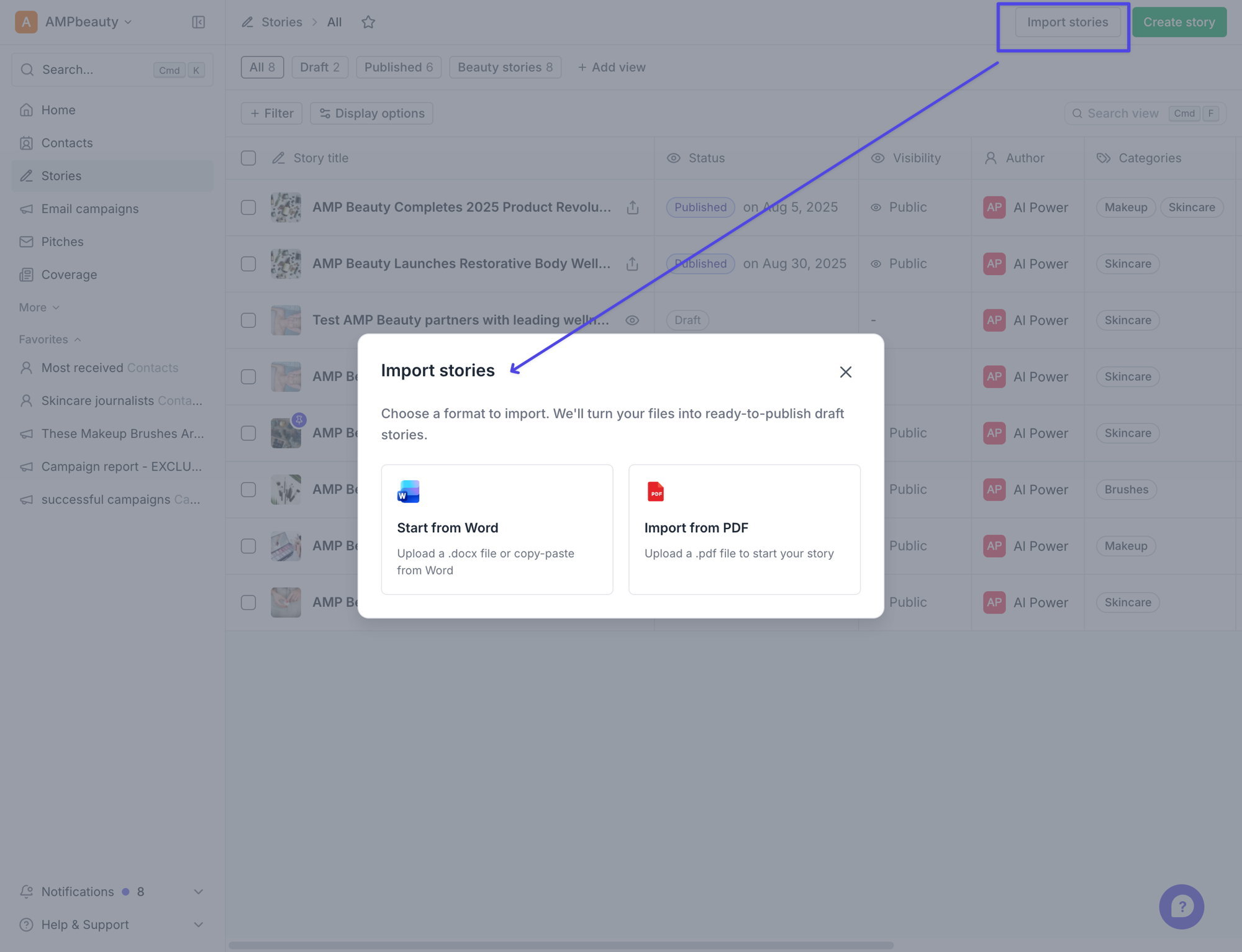
As part of Prezly Labs, we’re trying out a new PDF and word import option for Prezly Stories, letting you get what you want to say into the story editor faster.
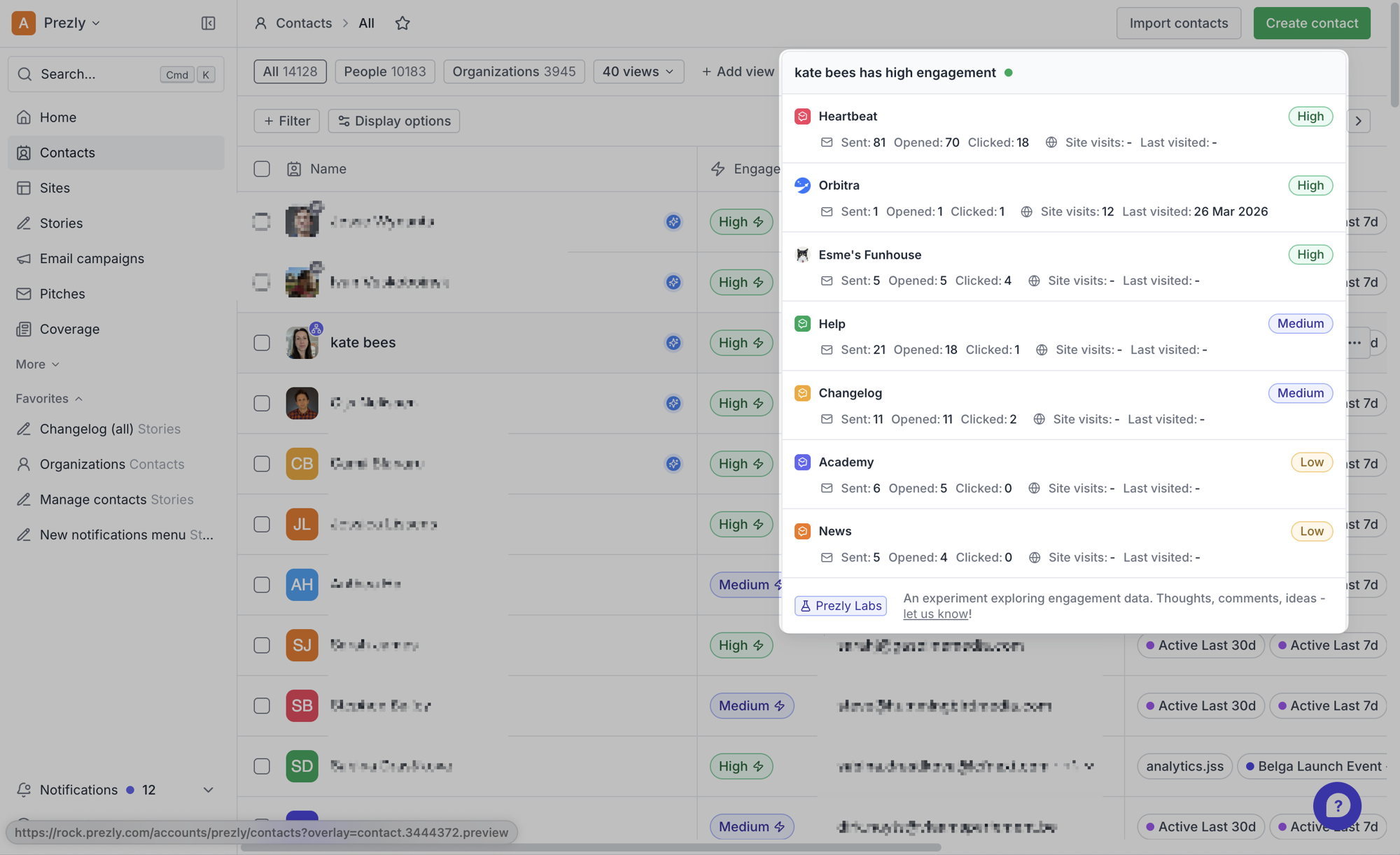
With engagement chips, you can now get an at-a-glance understanding of how each contact is engaging with each of your Prezly sites – super helpful if you're using Prezly to manage multiple brand newsrooms. This feature is being tested as part of Prezly Labs.
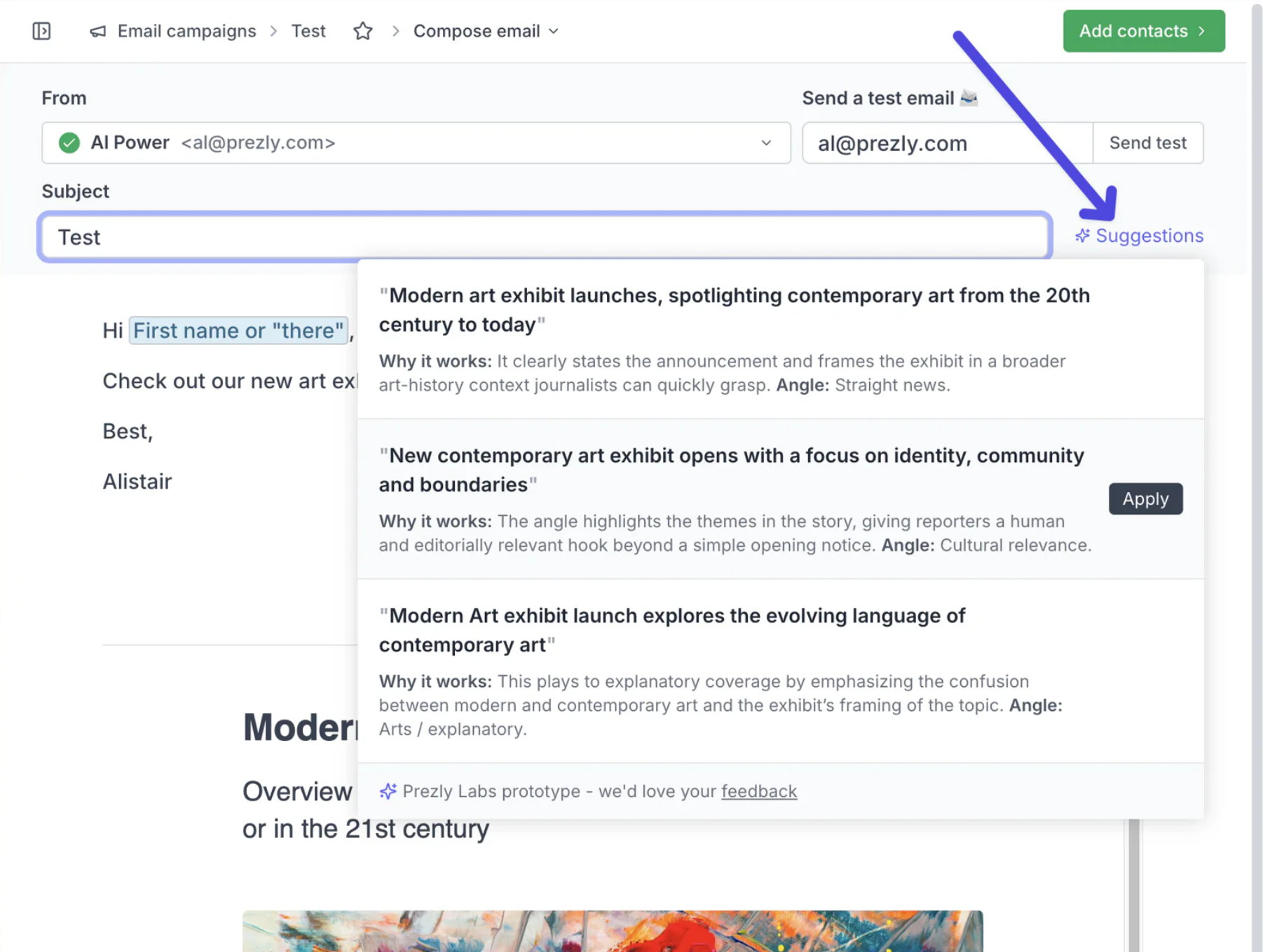
Launching as part of our Prezly Labs experimental features, we are trying out AI smart subject suggestions within the campaign and pitch editors.
This takes the email introduction text along with any attached stories, and gives you a small preview link to the right of the story title, with 3–4 generated title suggestions, along with some reasoning.
Simply hover over the suggestions link to see them, and click 'apply' to overwrite your current title. Title suggestions update as you change your content.
- Results in global search (press cmd/ctrl + K) now show email addresses alongside contact names to help identify contacts at a glance
- Improved options to link/unlink story translations in your Stories overview
- Those who have the `%contact.salutation%` field enabled in Labs can now use it in their pitches as well as email campaigns
Join 500+ PR teams already loving Prezly
Take the stress out of contact management and distribution with a dedicated outreach CRM that your whole team can use.