Draft from a brief
Draft a story from this brief, then stop for my edits.
Turn a brief into a first draft, using your published stories to match structure and tone.
PREZLY AI
Connect Claude, ChatGPT, or Gemini to Prezly. Ask it to draft stories, find contacts, review campaigns, and work across your newsroom. You stay in control.


Prezly AI is available by request. Start a trial or log in, then contact support.
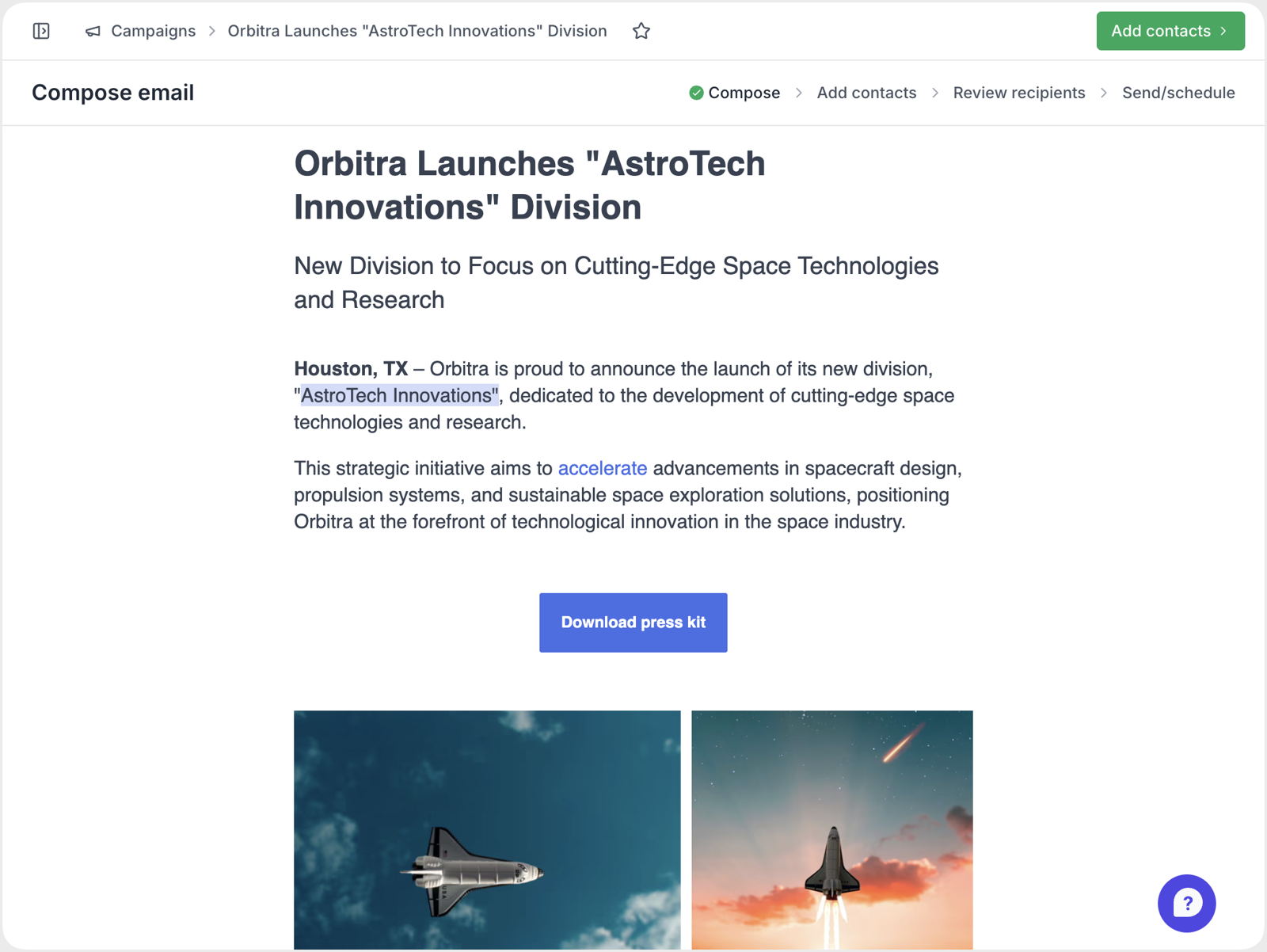
Turn this brief into a story and campaign draft. Find relevant contacts, but do not publish or send anything.
Your story, media list, and campaign draft are ready to review. Nothing has been published or sent.
Use the assistant you already know. Prezly AI uses MCP to give it a direct, permissioned way to work with the PR information in your account.
Ask for an outcome. Prezly AI finds the context, completes the permitted steps, and shows you exactly what changed.
Import your draft. Shape the story. Build a focused audience.
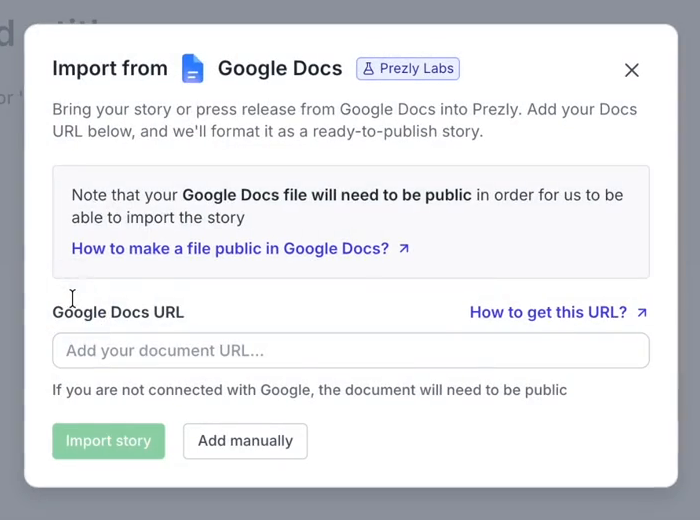
Import a Google Doc into Prezly Stories with headings, paragraphs, links, images, and basic formatting kept in place.
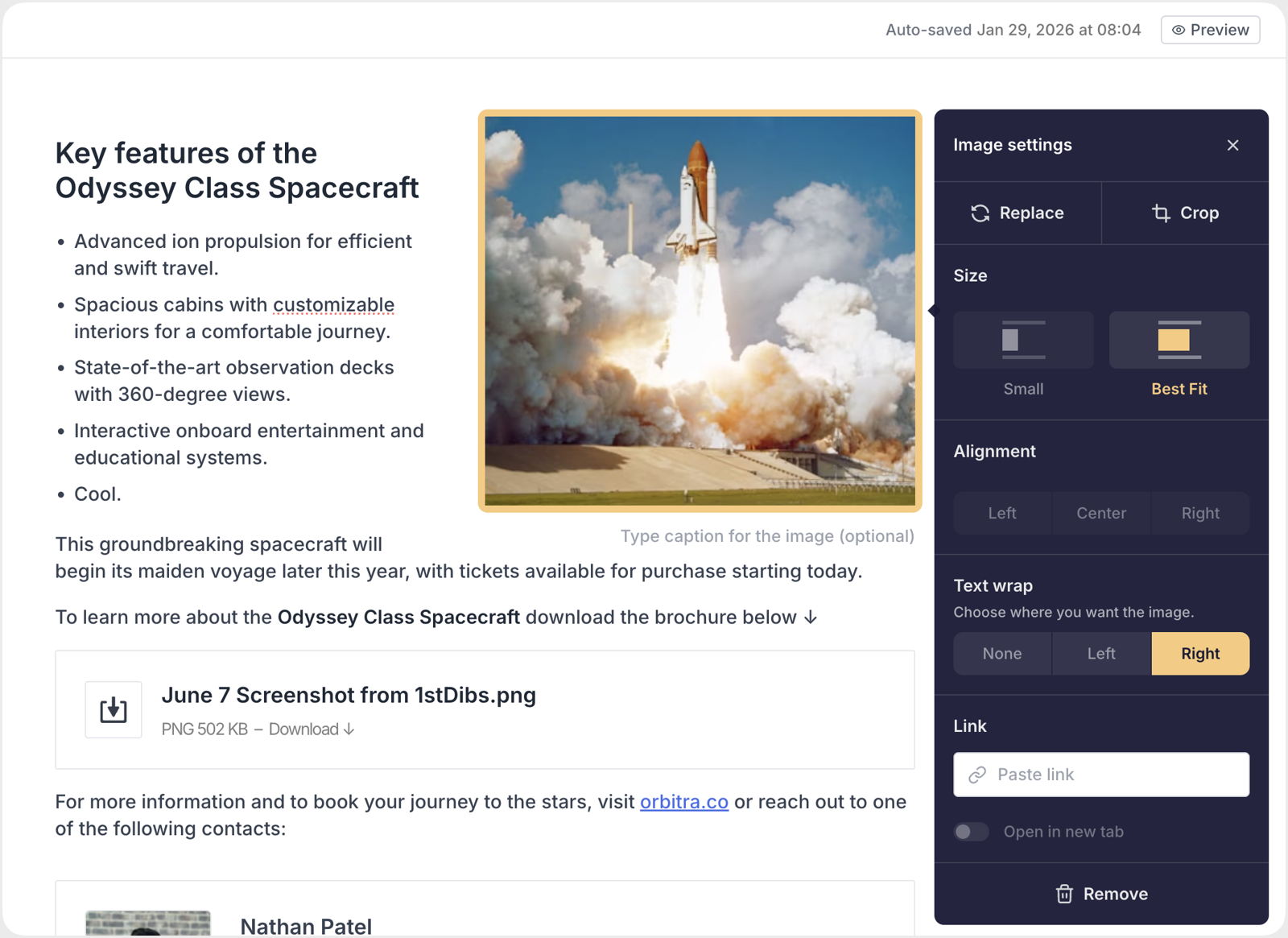
See Google Docs importWrap text around images, bring your brand colour into the story, and make polished newsroom content without fighting the editor.
Combine tags, previous campaigns, saved contact views, or pasted email addresses. Prezly removes duplicates and updates the count as you work.
See Audience BuilderHow would you like to add recipients?
AVAILABLE SOURCES
Search improvements make older work easier to surface when you need it.
Add all matching contacts to a campaign instead of selecting them one by one.
 Maya ChenTechnology
 Jon BellTechnology
 Amira CostaTechnology
Connect Claude, ChatGPT, or Gemini, then approve only the access it needs. Prezly AI connects securely through MCP.
Your assistant can read, analyse, and draft. A person reviews and publishes from their own Prezly account.
Choose read-only access or grant specific permissions for stories, campaigns, and contacts.
Remove a key from your dashboard and its access stops across the API and MCP server.
Use AI to do the legwork. Keep editorial decisions and publishing with your team.
Prezly AI lets supported AI assistants work with your Prezly account. It uses MCP, an open standard that gives assistants a structured, permissioned way to find information and carry out work across stories, contacts, campaigns, and newsrooms.
Prezly AI is designed for MCP-compatible assistants, including Claude, ChatGPT, and Gemini. Availability and setup can vary by client.
No. Your assistant can read, analyse, and draft within the permissions you grant. A person still reviews and publishes from their own Prezly account.
Yes. Access can be read-only or scoped to specific permissions for stories, campaigns, and contacts. You can revoke access from your dashboard.
Google Docs import and Audience Builder are being introduced through Prezly Labs. Availability can differ by account while the team gathers feedback.
Draft stories, build media lists, review campaigns, and manage PR work from the assistant you already use.
Prezly AI is available by request. Start a trial or log in, then contact support to enable access for your account.