Add Unsplash images to Prezly Stories
Choose from millions of images
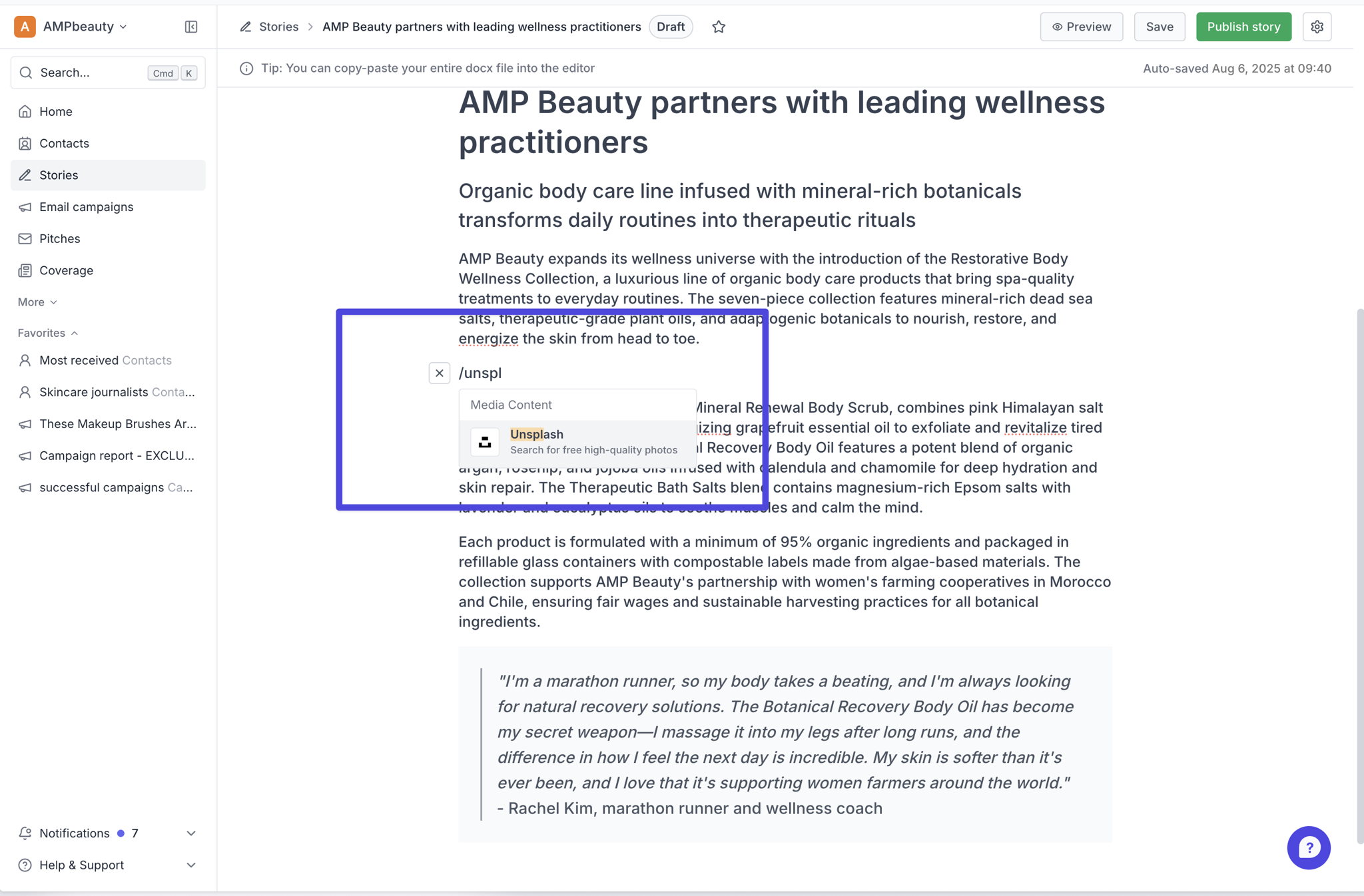
We've added an integration in our story editor with Unsplash - a great online resource of over 6 million free high-resolution photos and illustrations, so you can add Unsplash images directly in stories.
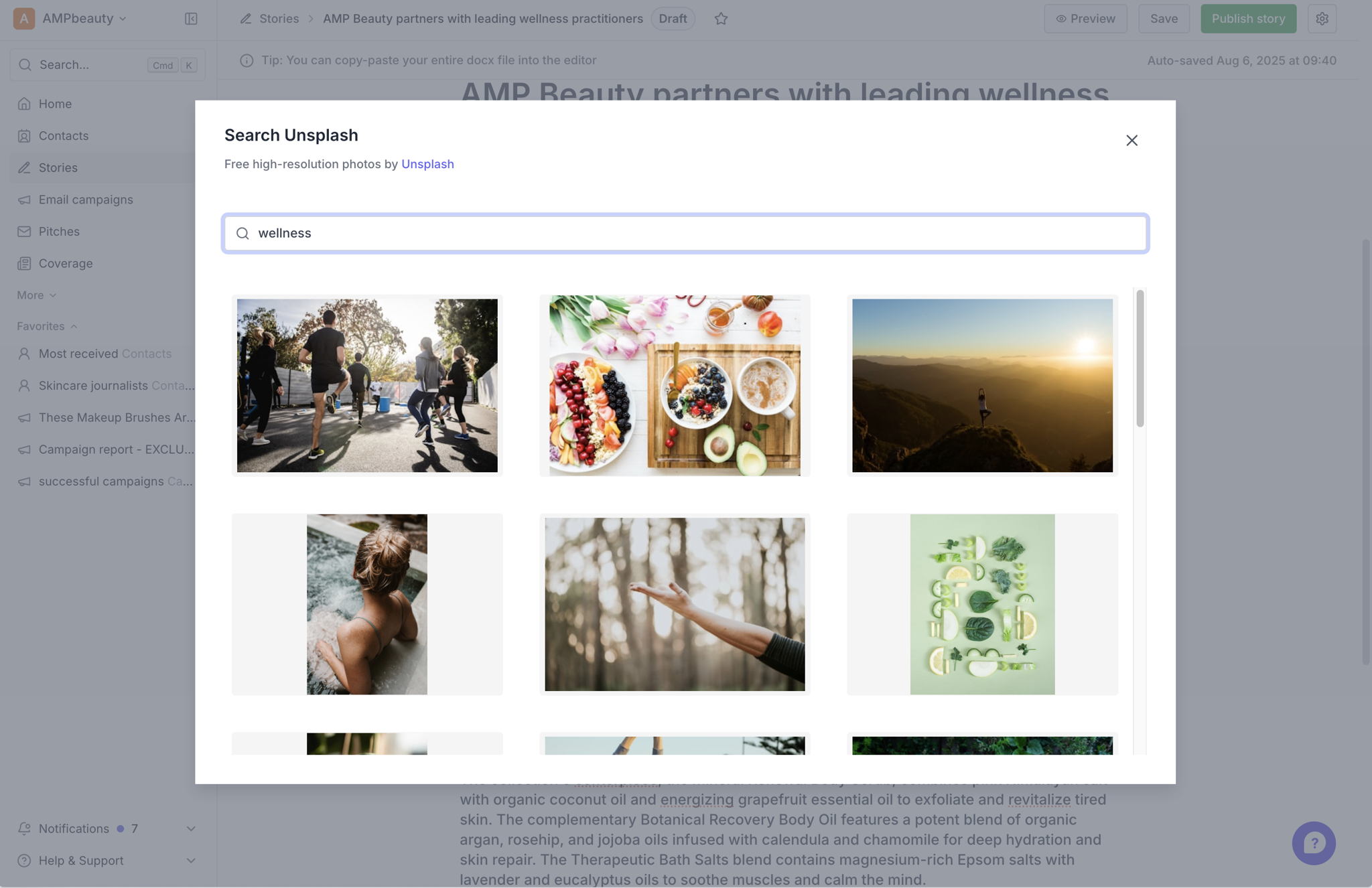
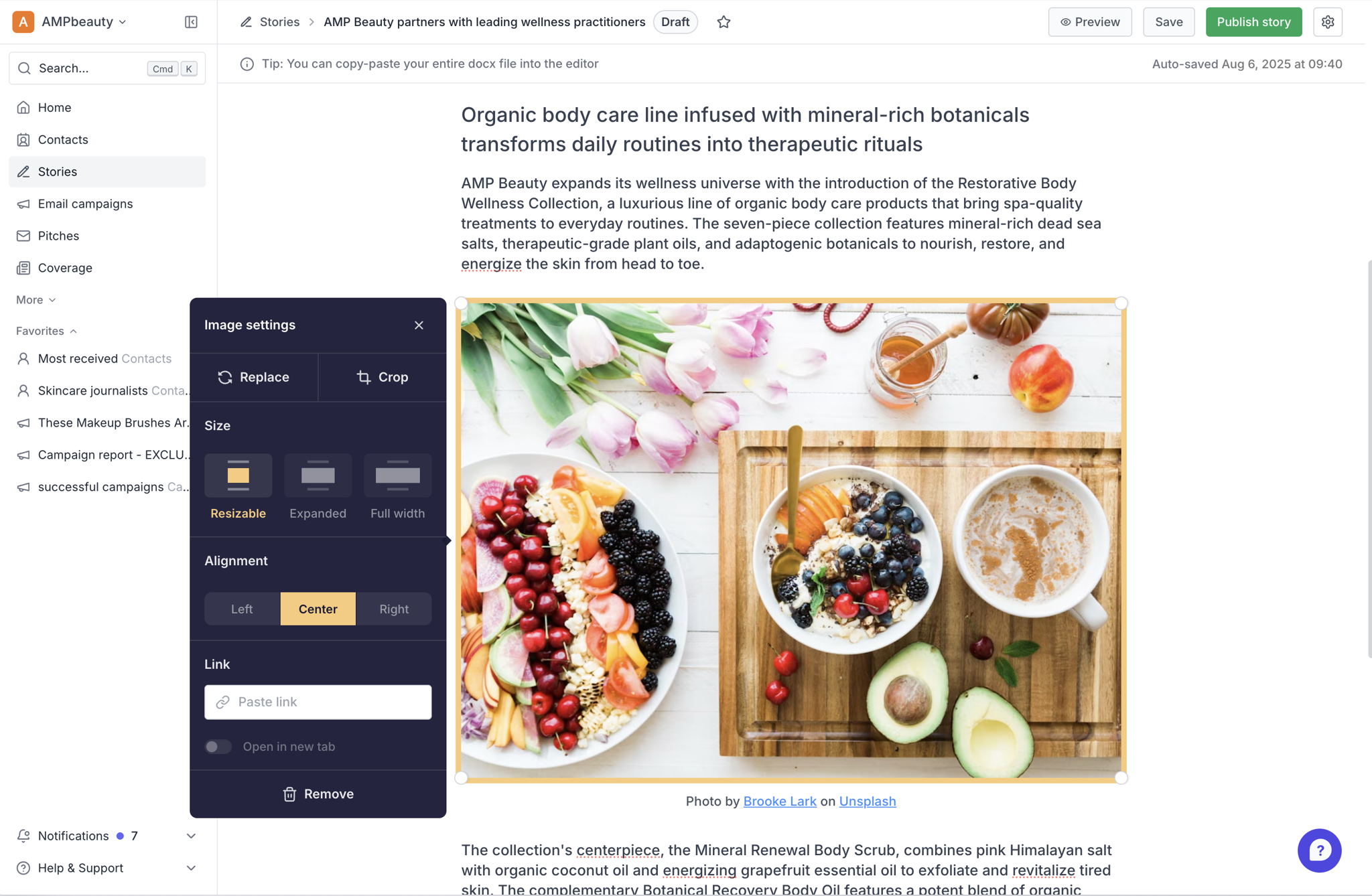
Simply choose Unsplash in the story editor menu, then search for what you need, then click an image to insert it, and it's downloaded and copied into your story.
Unsplash visuals are made to be used freely. All images can be downloaded and used for free commercial and non-commercial purposes - no permission needed.
Even though attribution isn’t required, Unsplash photographers appreciate it as it provides exposure to their work and encourages them to continue sharing - we add a link to the photograper into the caption by default which you can edit as you see fit.
Try this out - we'd love to know what you think - let us know via our usual support channels!
Join 500+ PR teams already loving Prezly
Take the stress out of contact management and distribution with a dedicated outreach CRM that your whole team can use.