May product updates
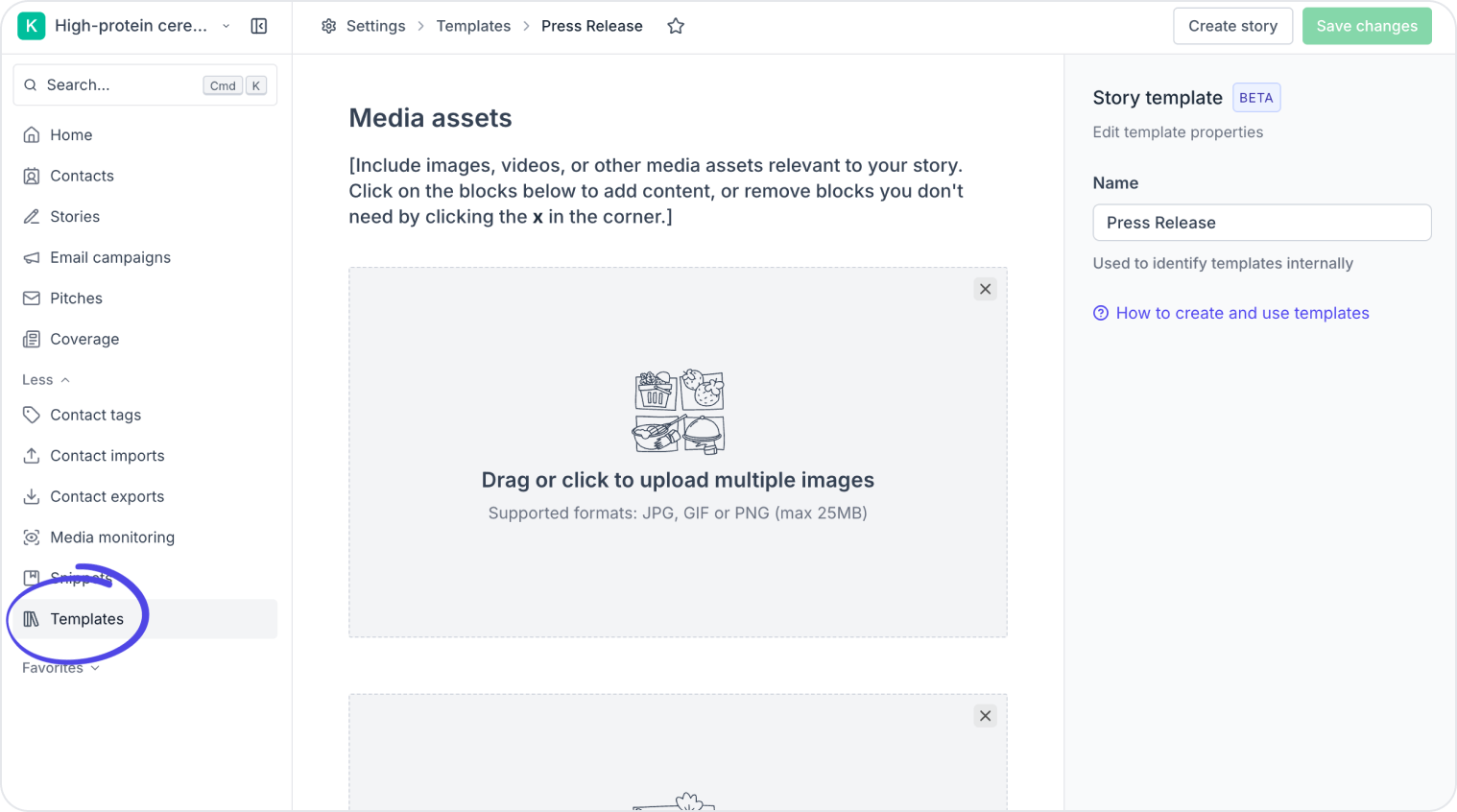
Story templates have been available on higher plans for a while. As of this month, they're on every account 🎉
To create a template, go to Settings → Templates and click Create template. Once saved, it's shared with your entire team and available every time you create a new story.
We also improved pasting from Word, Google Docs, and web articles. Headings, lists, and bold text now come through cleanly – meaning less cleanup before you publish.
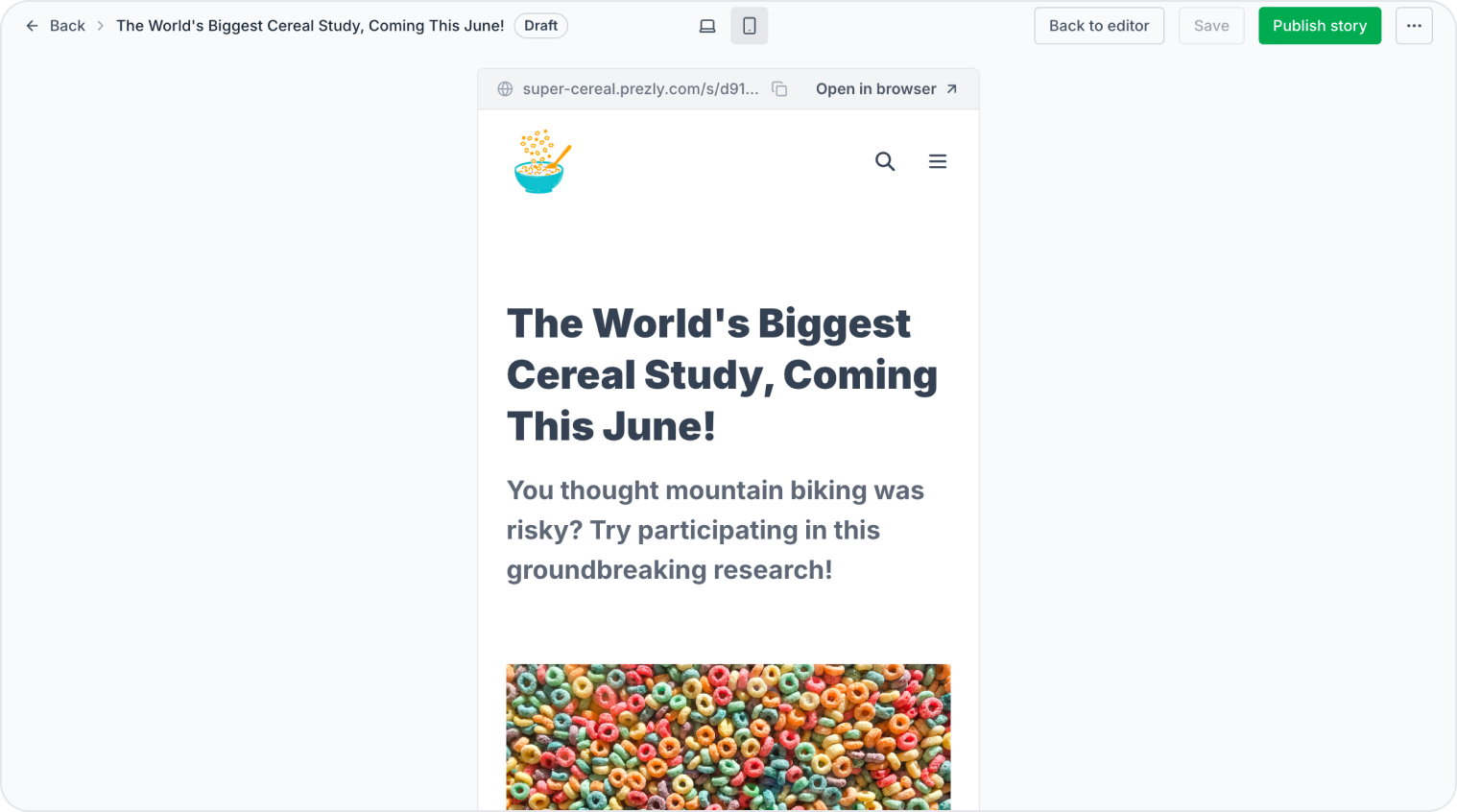
We've reworked previews across the app. Stories and sites now open in a dedicated preview page inside Prezly, so you're not constantly flipping between tabs to check your work.
From a story preview you can switch between desktop and mobile views, publish directly, or copy the preview URL to share with a colleague. Site previews work the same way, and surface relevant shortcuts depending on whether your site is live, not yet published, or archived.
You'll find preview shortcuts throughout the app – in the story editor, the stories grid, your site homepage, and the publish modal.
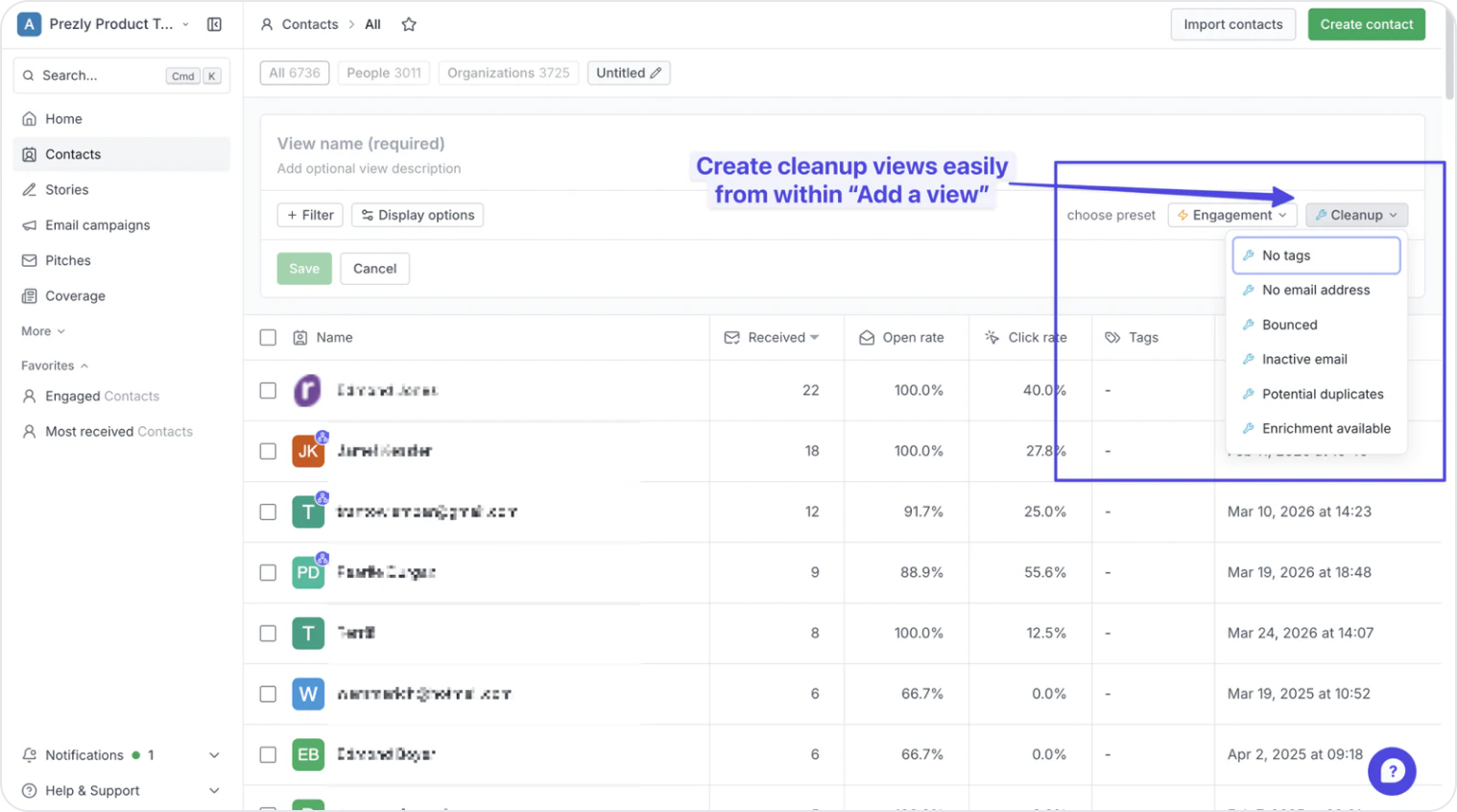
A batch of improvements to how views work, based on customer feedback.
View presets – When creating a new view, you can now choose from a library of preset suggestions (split into Engagement and Cleanup categories) as a starting point. Adjust the filters to suit and save. Much faster than building from scratch.
Rolling date filters – New rolling date options let you filter contacts by activity in the last 30, 60, or 90 days. Useful for spotting who you haven't reached in a while, or who's been most engaged recently.
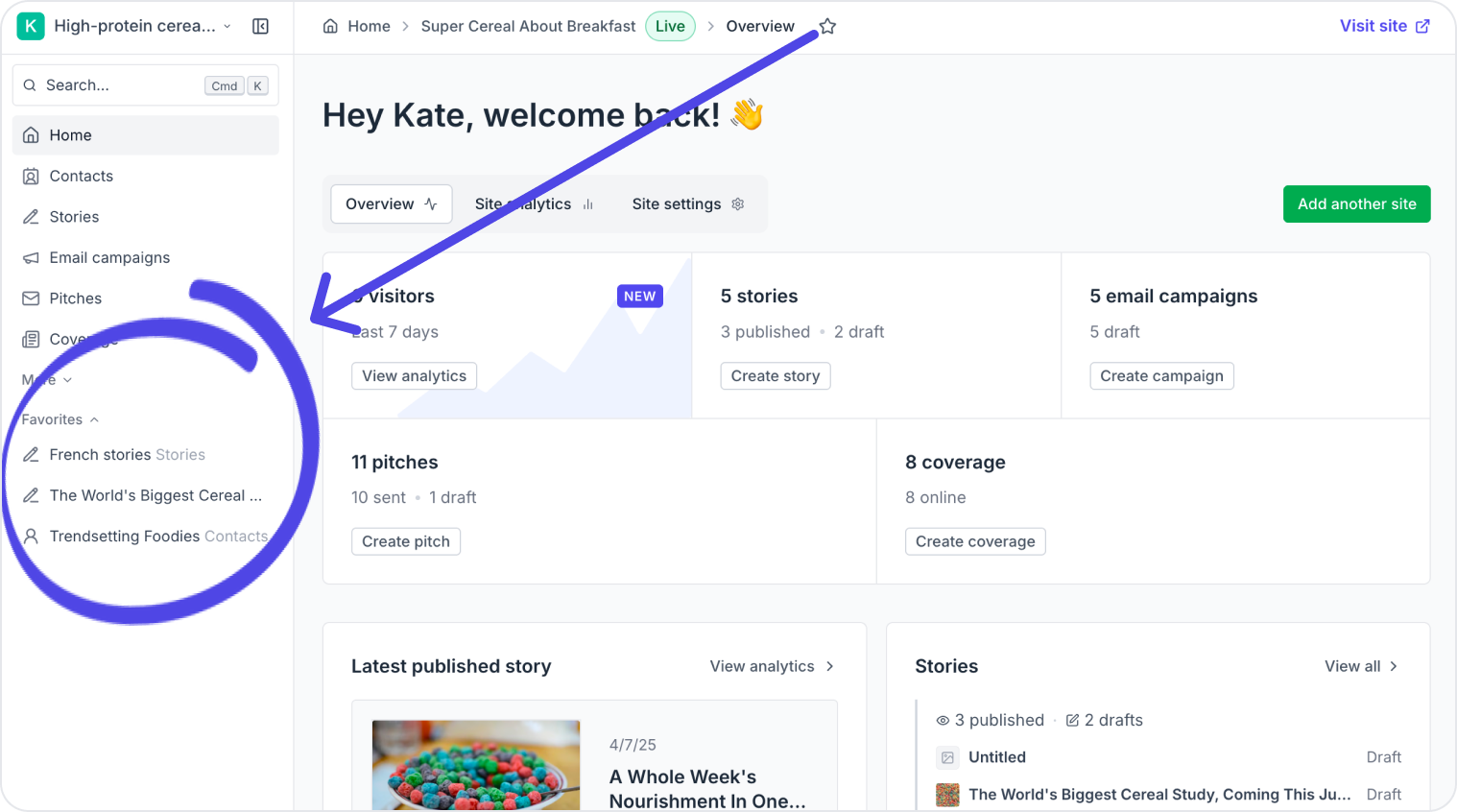
Favorites now show which section they came from, are easier to pin and reorder, and can be added directly from the views menu.
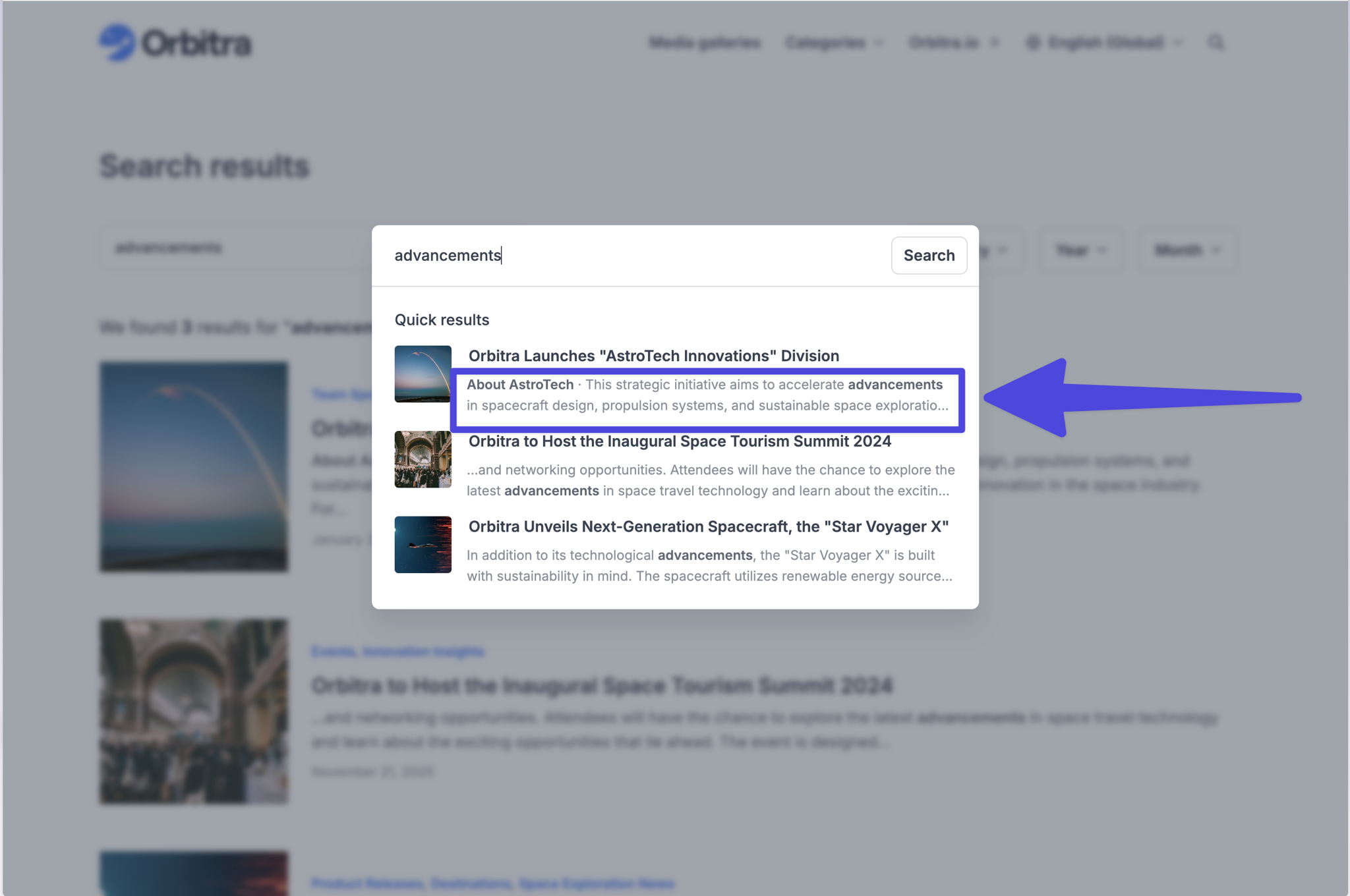
When visitors search your newsroom, results are now more useful. Instead of showing only a story title, search now surfaces the matching content snippet – subtitle or body text – directly below, so it's clear what was matched and why.
If a search matches content further down a page, the result links straight to that section rather than just the top of the story.
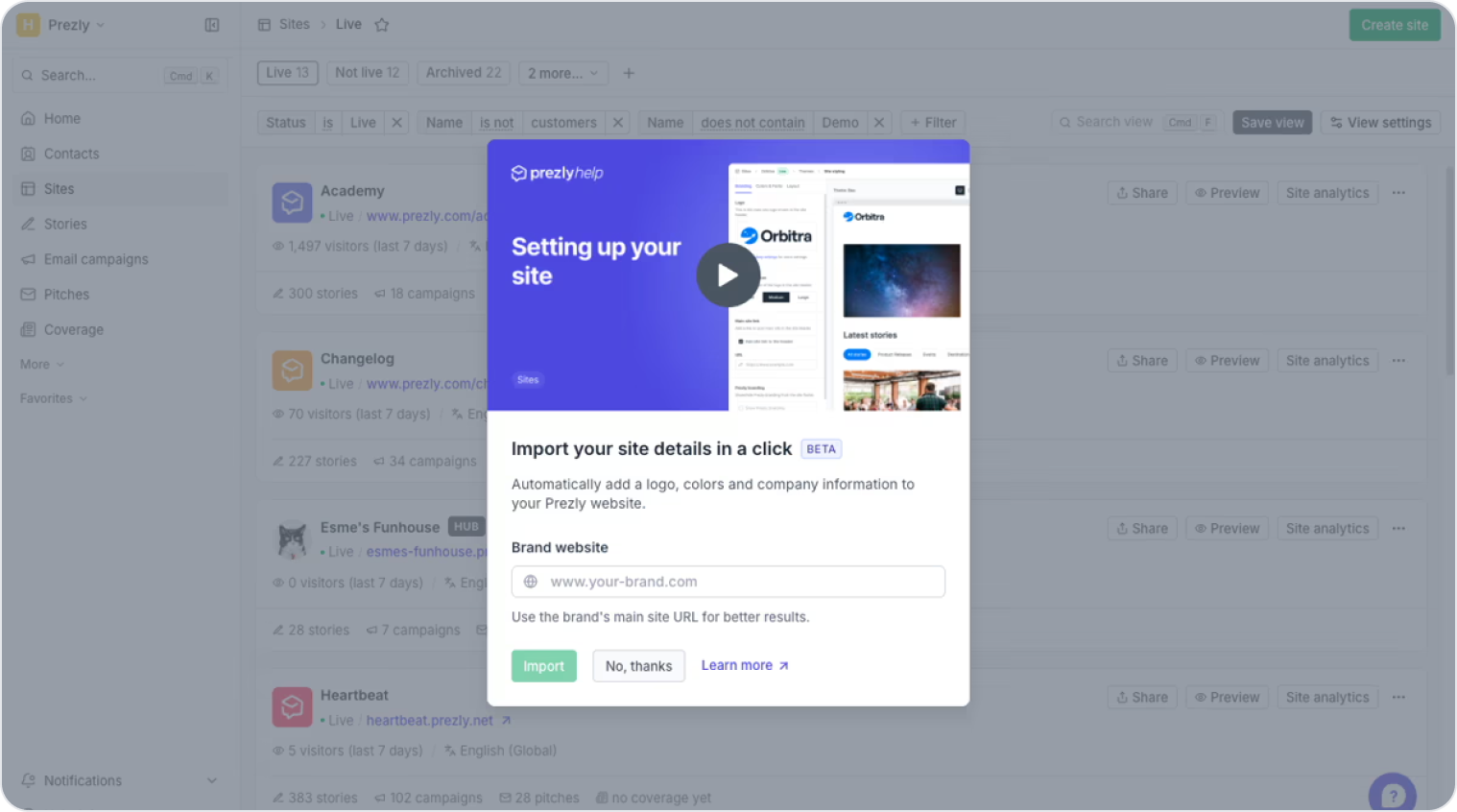
Creating a new site? You can now enter a brand URL and Prezly will pull in the logo, accent colour, about section, and social links automatically – powered by Brandfetch. All in less than 30 seconds.
This is in beta, so results are worth reviewing after each import. If anything's outdated, you can update it manually in site settings.
Join 500+ PR teams already loving Prezly
Take the stress out of contact management and distribution with a dedicated outreach CRM that your whole team can use.