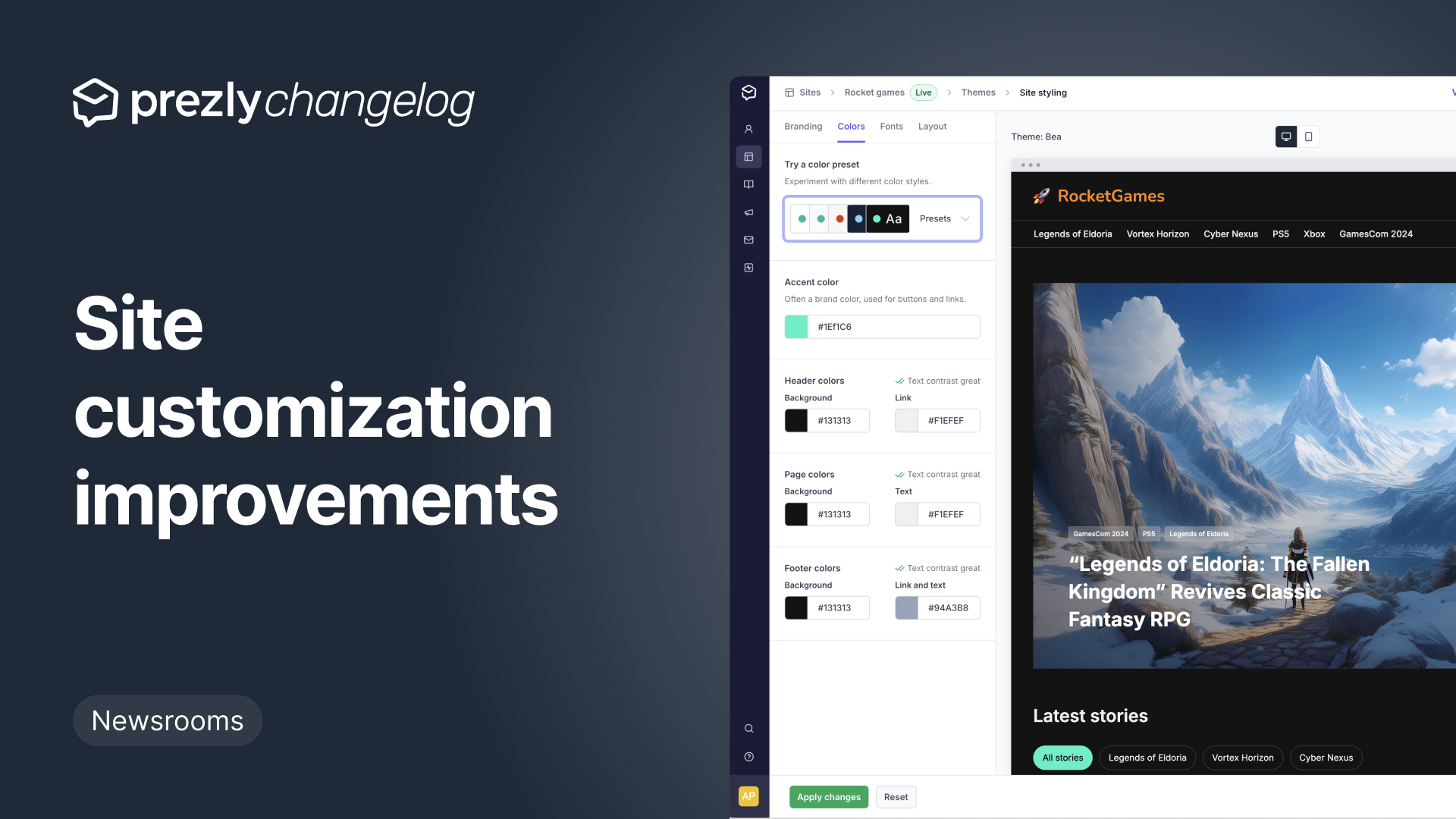
Improved site style settings (now with live preview!)
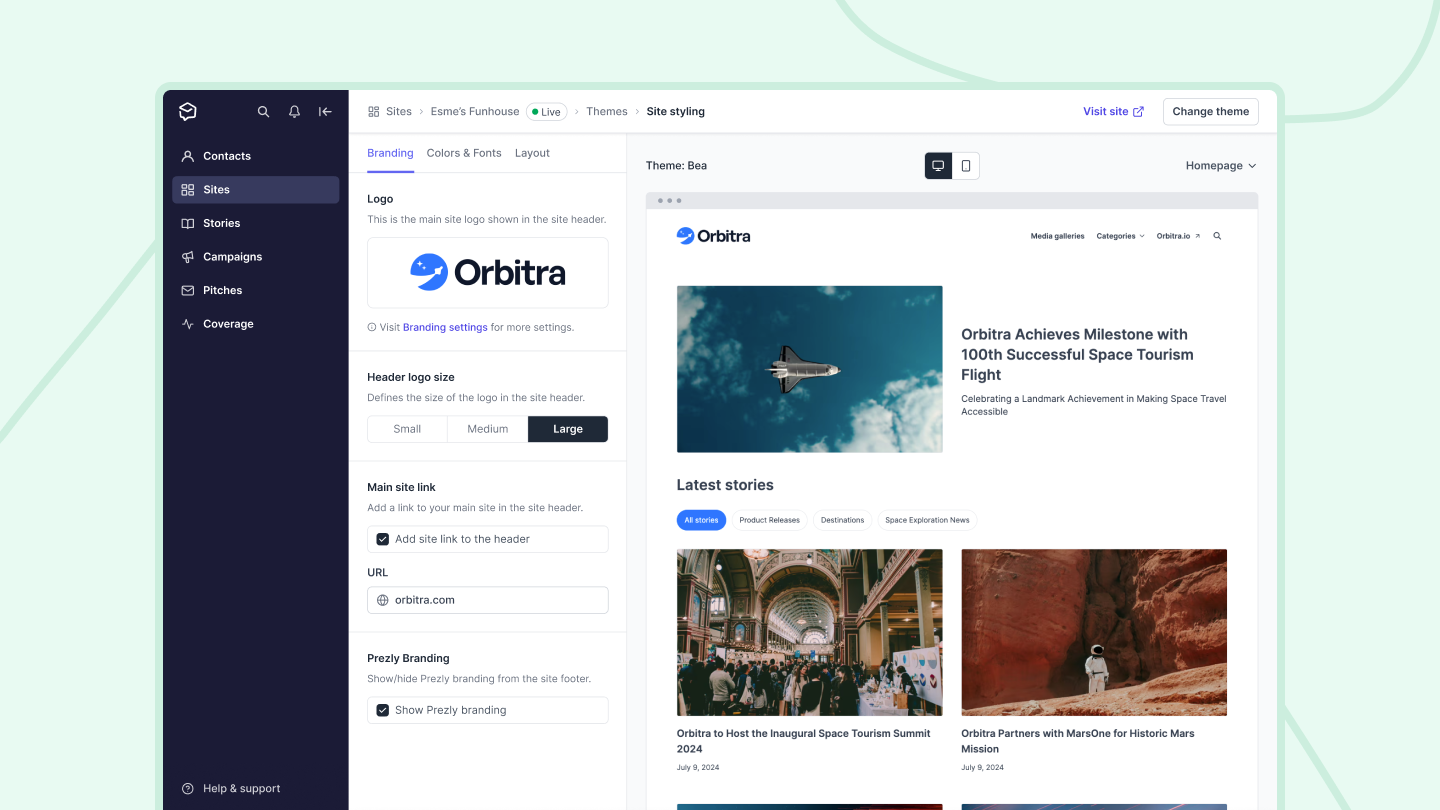
Up until now, editing the style of your site/newsroom required you to click through multiple settings pages to do things like tweak your logo, adjust your site colors, or preview site content.
Today's release brings all your style settings into one place.
New theme settings preview and logo sizing
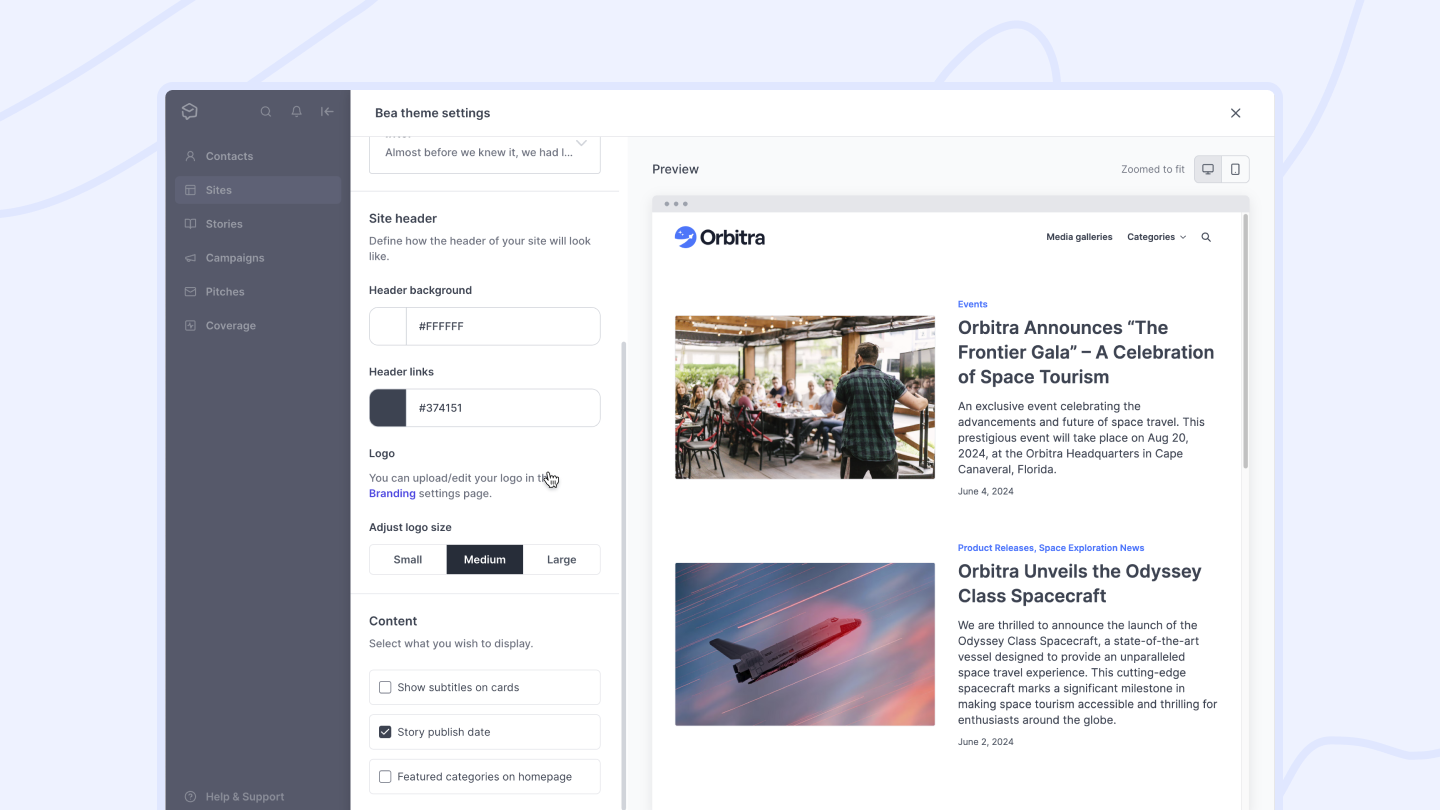
We've created a new theme settings preview interface for Bea, Lena and Greta themes to help you make adjustments.
Previously there was a preview changes link, but now you can see changes alongside theme settings before applying them.
Get product updates directly in your inbox!
Subscribe, be the first to know about new feature releases, product enhancements, design updates, and bug fixes.

Re-order your site contacts
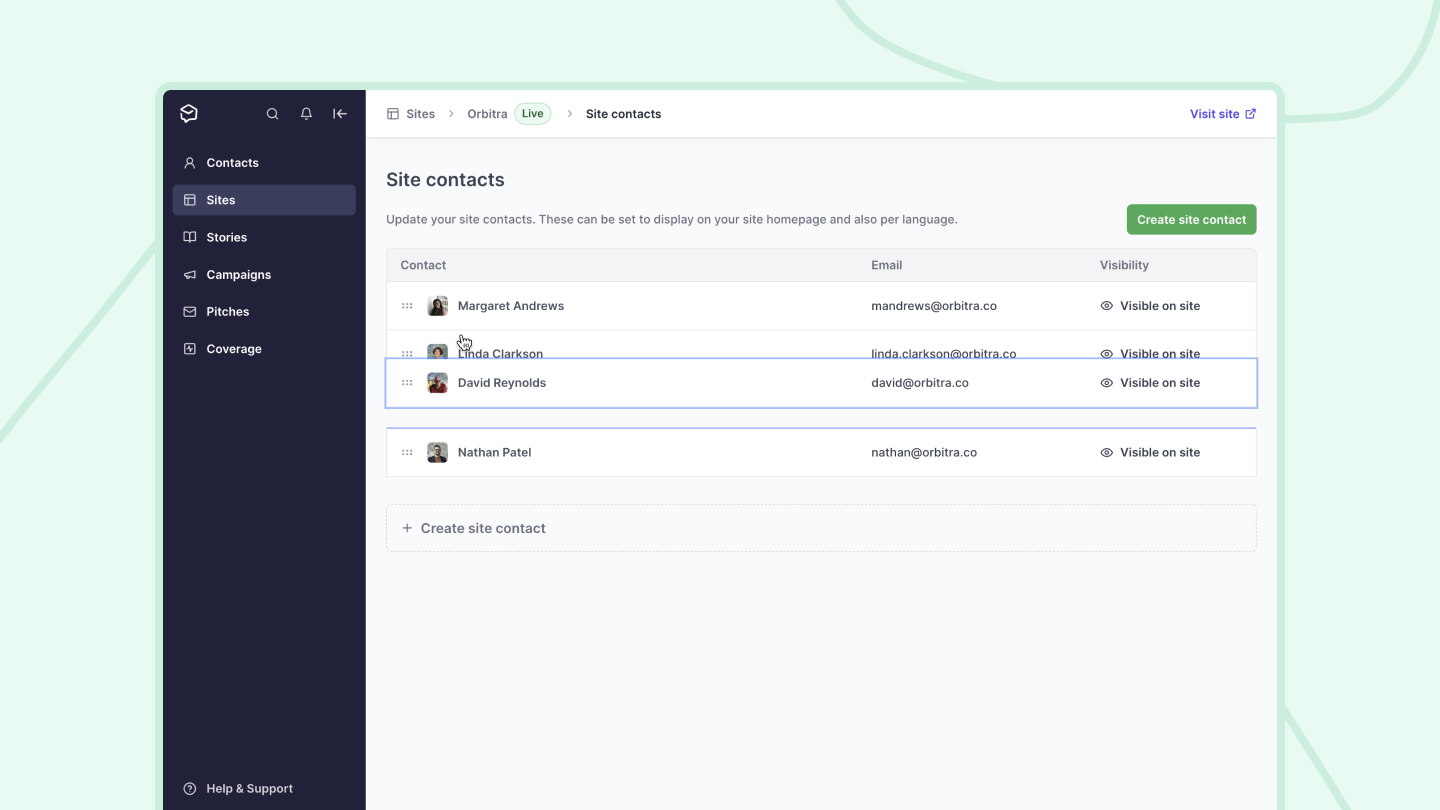
You can now define the order in which your site contacts are displayed on your homepage. Simply drag-and-drop the contacts into the order you want, and it will be reflected as such on your site.
Introducing featured categories
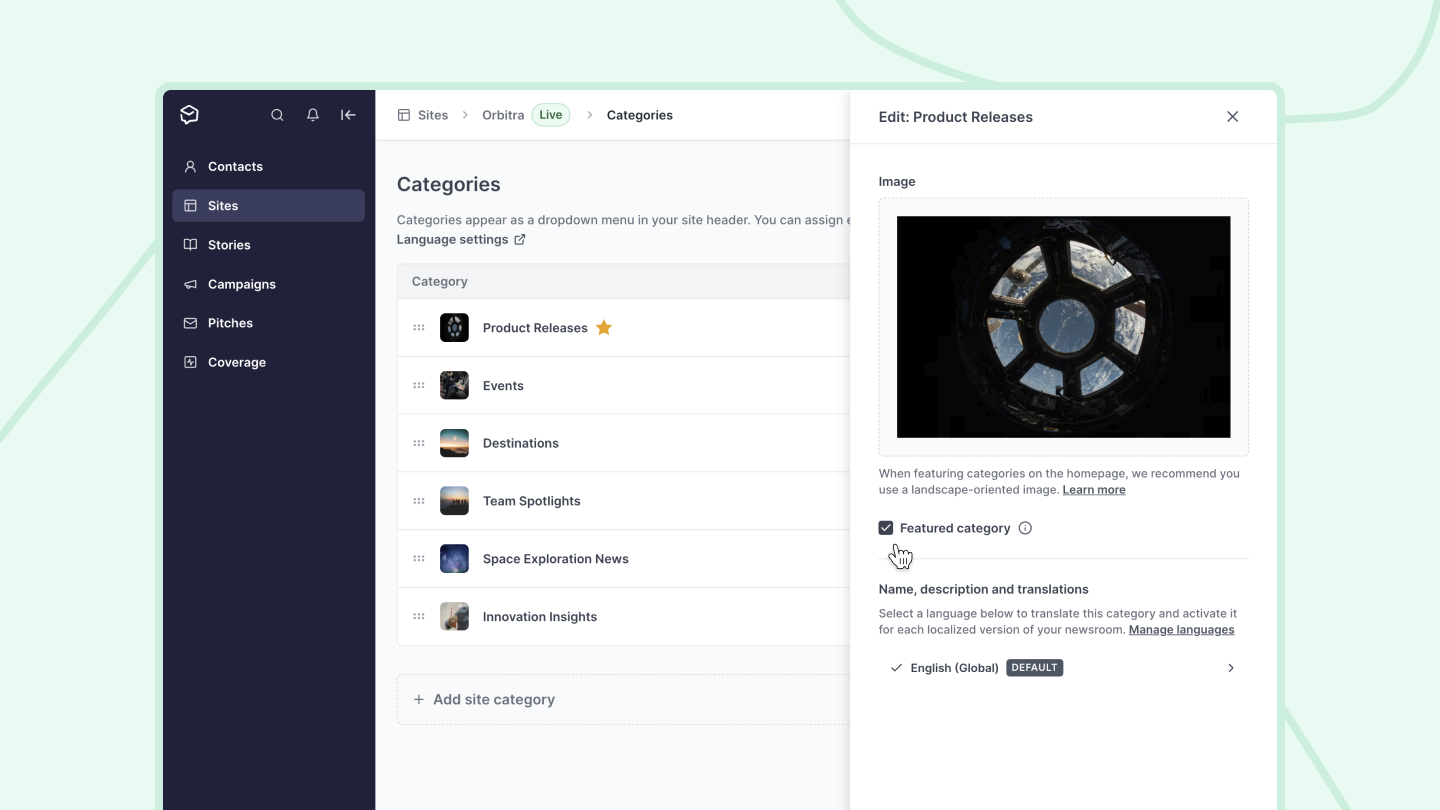
Not all categories are created equal, and by choosing what to spotlight, you can bring more attention to the stories that matter.
To help with that we've launched featured categories in our Bea theme.
Introducing: The Lena theme
We’ve just released another new theme!
Meet Lena, the latest of our new generation of newsroom themes, featuring a responsive design that gives image-centric newsrooms with multiple categories that extra oomph.
New: Reordering newsroom categories

The newsroom categories feature has helped many of our users keep their stories organized, so that anyone visiting their newsrooms can find exactly what they're looking for easily and without frustration.
Newsroom creation panel – redesigned
We’ve given our Newsroom creation panel a makeover, where you can now select a theme to build on, and soon, we'll be releasing an option to add demo content in your newsrooms so you can see what your newsrooms could look like when it is populated with content.
With the new panel, once you create a newsroom, you’re automatically brought into your Newsroom settings page, making it easier for you to create a newsroom and get it all set up quickly.
Introducing: Prezly's first ever dark theme
Meet Marcel, the latest of our new generation of themes!
As our first ever dark theme, Marcel features a dark background that is better for low-light settings and is easy on the eyes 👀
New: Subscription form toggle
We have another new update in your Privacy settings! You now have the option to add or remove the subscription form from your newsrooms. This form allows visitors to subscribe to communications from a newsroom and is toggled on by default.
.png)
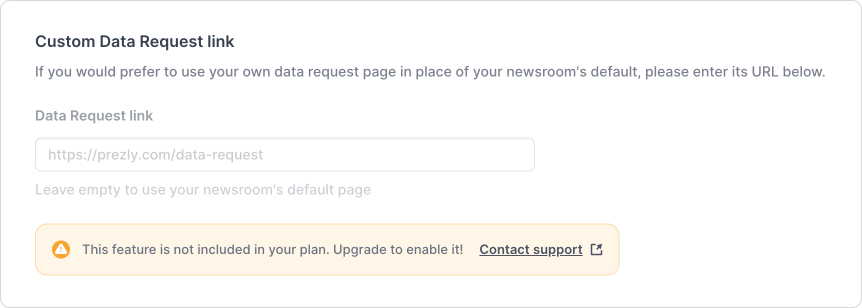
New: Custom Data Request link
In your newsrooms’ Privacy settings, there is now a field for a custom Data Request link.
New: Add your custom privacy policy link

You can now add your own custom privacy policy link to your newsrooms subscribe form!
Preview link for the Bea theme
You can now see your newsroom on the Bea theme before deciding to activate!
Go to your Themes setting page and click on the purple Preview link to see your newsroom and stories on Bea.
We've added a new theme for your newsrooms – try it out!
All the content you create in Prezly deserves the best presentation. ✨
This is why we've been working on creating more newsroom theme options for you to get your newsrooms looking up-to-date and easily navigable – all while staying true to your brand guidelines.
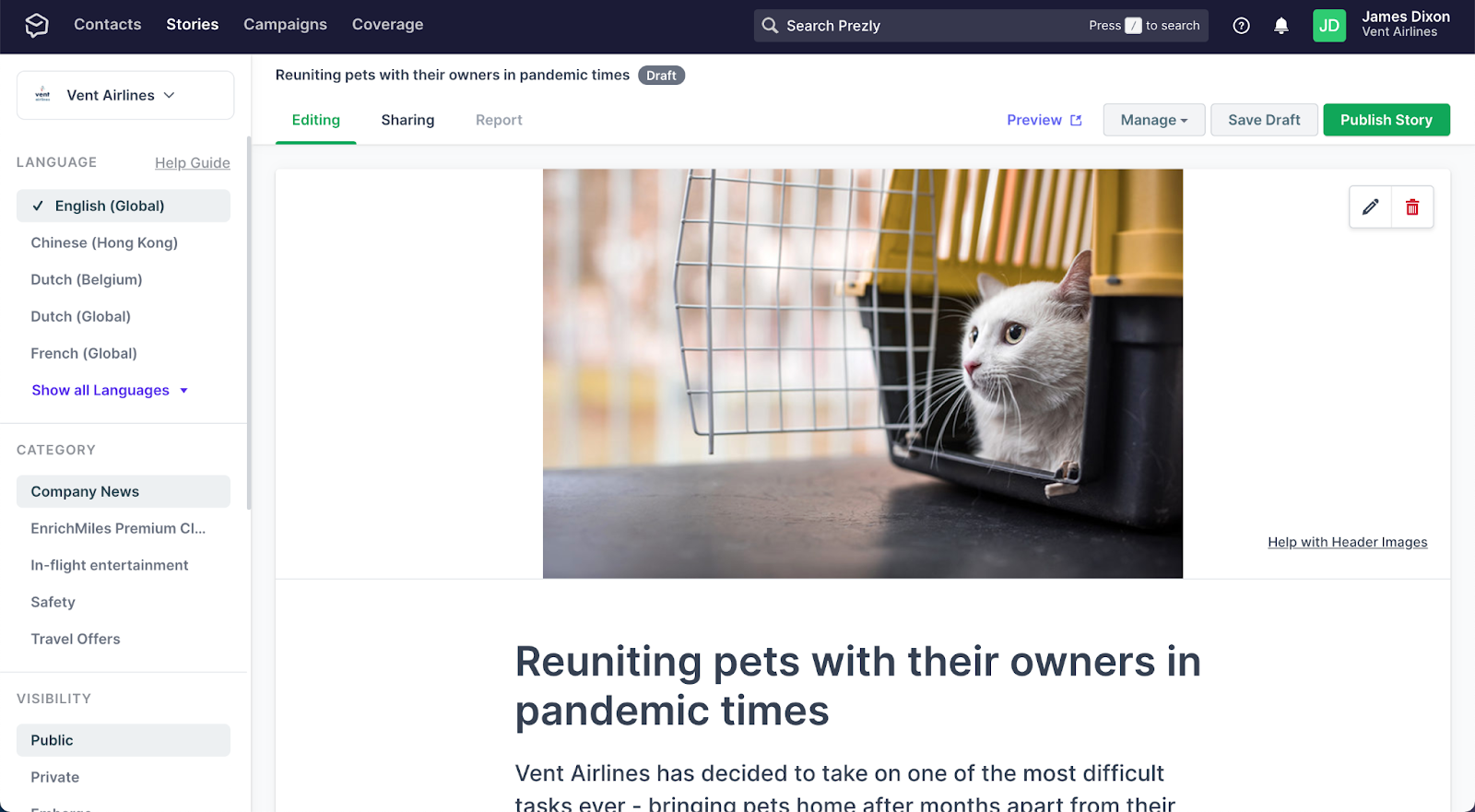
Introducing Site Themes 🎉
You may have noticed we’ve been buzzing a lot about Newsroom Themes in the last couple of months. We’ve already released our source code for our Open Newsroom Themes, which enables customers with the dev resources to fully customize and build on top of their Prezly newsrooms.
Now we’re very excited to announce that any Prezly user can create stylish newsrooms on top of templates found in your Newsroom Settings, no developer experience required.
See which newsrooms contacts unsubscribe from
We made it easier to discover on which newsroom your contacts (un)subscribe from. Once you've filtered your contacts by the "Unsubscribed" rule, there are two quick ways to see which newsroom(s) your contact has unsubscribed from:
1. Hover over the red warning icon next to the contact
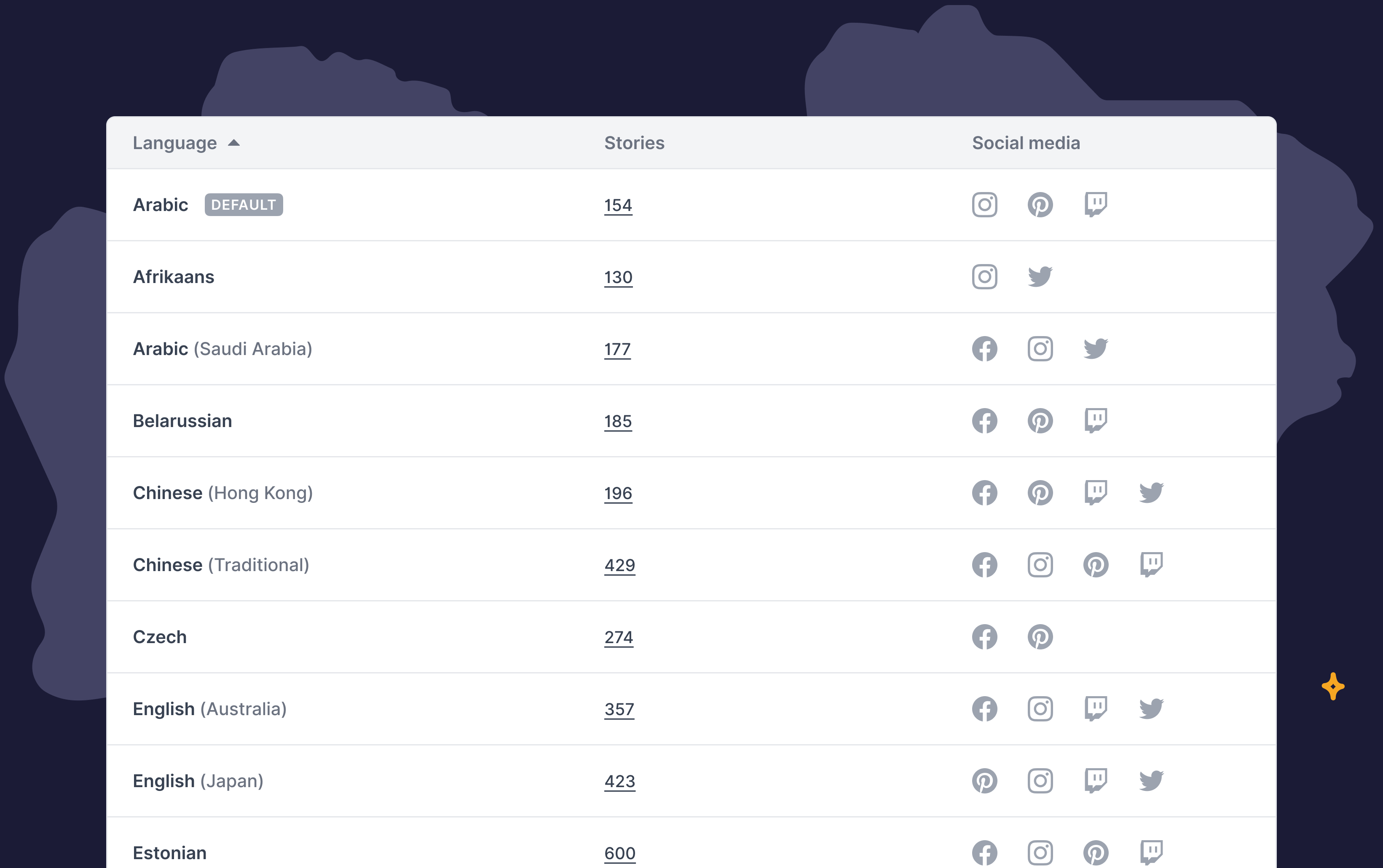
Improved newsroom settings + added support for TikTok
Over the last weeks we have been working on the overall interaction, design and functionality of the newsroom settings pages. Today we launched a big update to newsroom settings.
Join 500+ PR teams already loving Prezly
Take the stress out of contact management and distribution with a dedicated outreach CRM that your whole team can use.