Embed PDFs directly in your stories
February 17, 2026
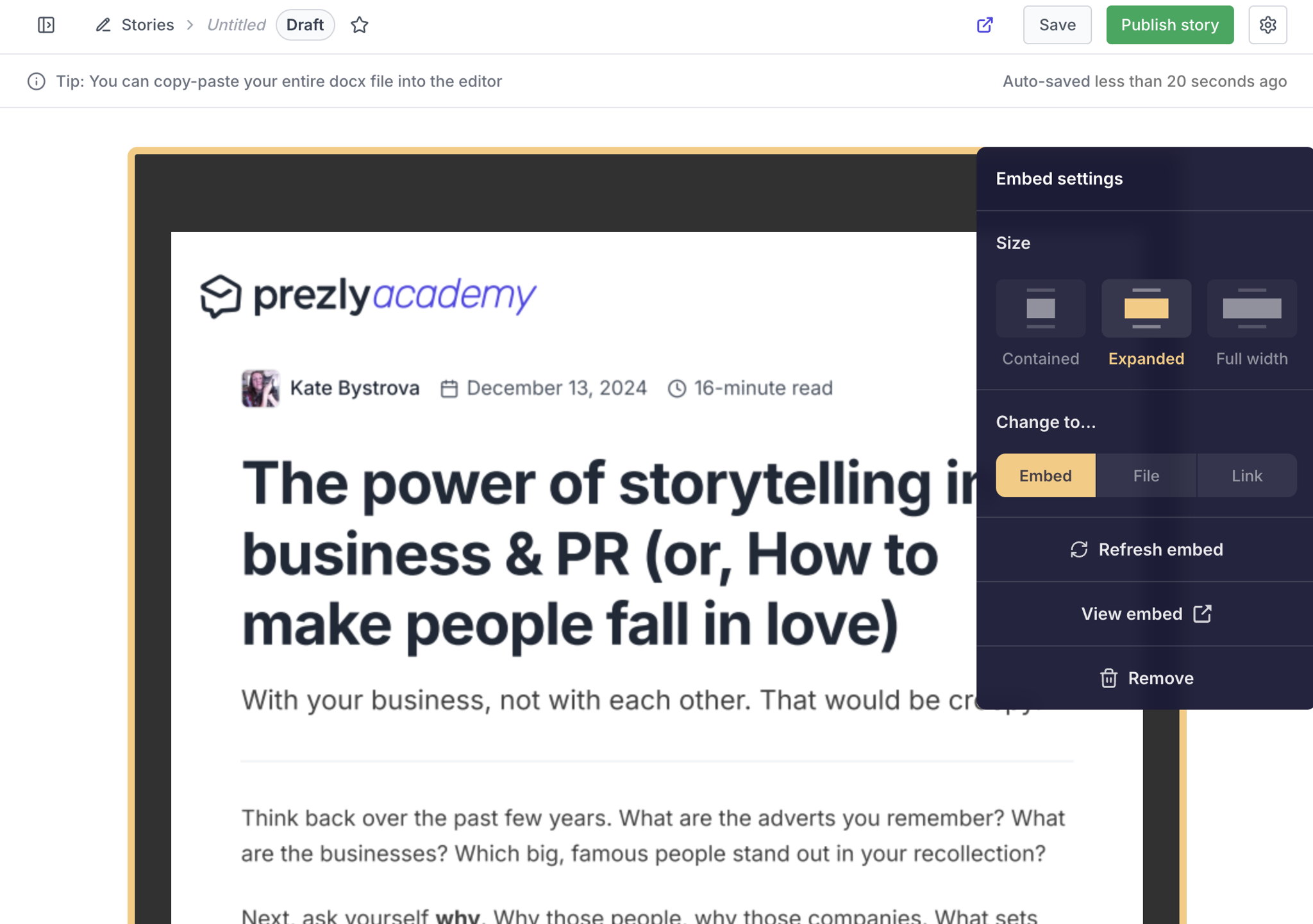
You can now display PDFs under 10 MB in full inside your stories, instead of only adding them as downloads.
Simply upload a PDF via the embed/attachment option, then choose whether it appears as a downloadable file or as a fully viewable document your readers can scroll through right in the story.
Perfect for reports, white papers, and data-heavy releases.
Join 500+ PR teams already loving Prezly
Take the stress out of contact management and distribution with a dedicated outreach CRM that your whole team can use.