Text can wrap around images in emails & stories
Finally here: images and text side-by-side
You can now create a more natural, flowing layout in email campaigns, pitches, and stories by wrapping text around images.
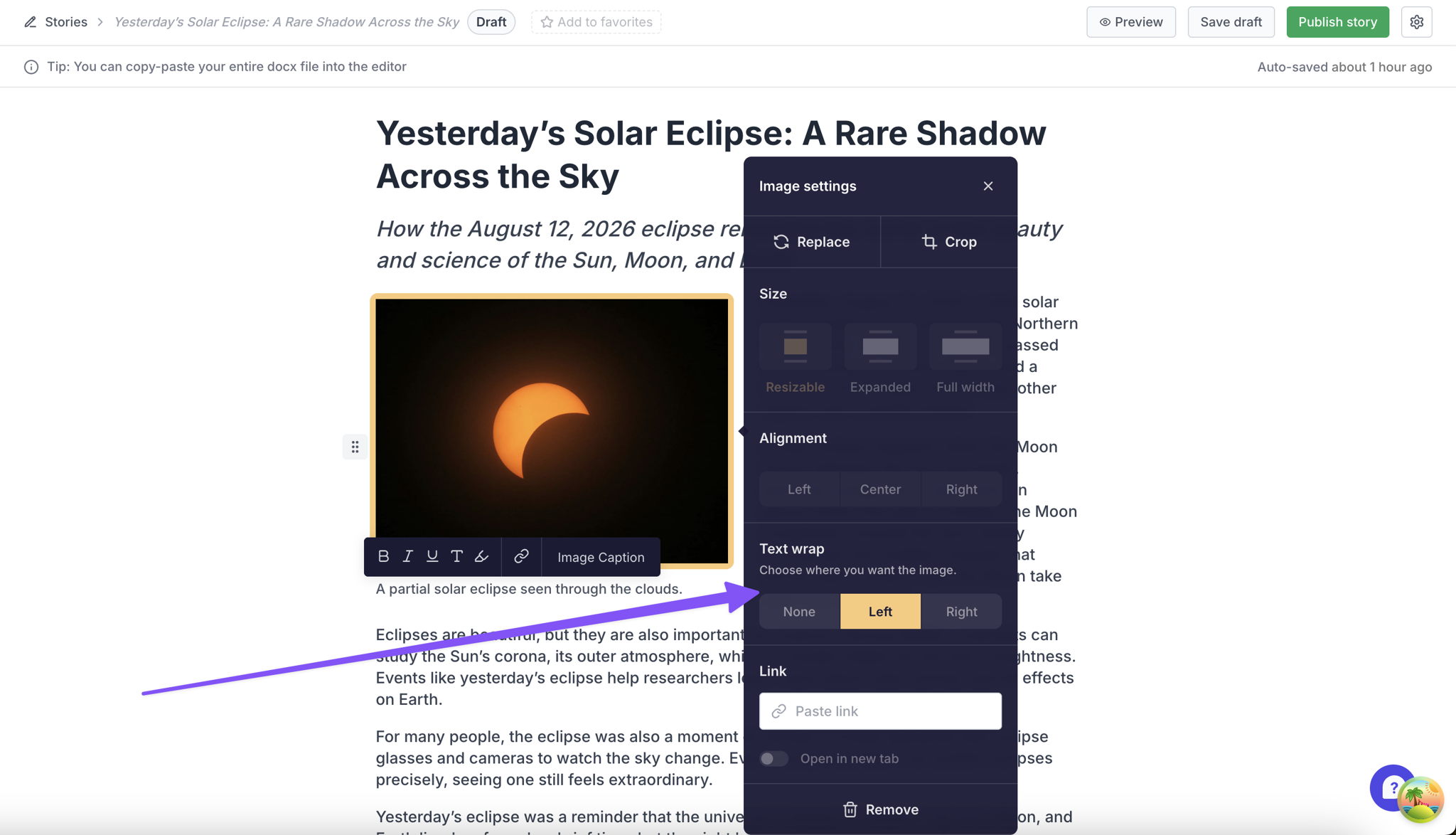
Place an image to the left or right, turn on text wrap, and your copy will flow alongside it, making image-heavy content feel more polished, editorial, and easier to scan.
In email and pitch editor, you can either select small or best fit size - which will cap at 50% of row width. The option for alignment are disabled when Text wrap is selected. Once you click None, the disabled options are back.
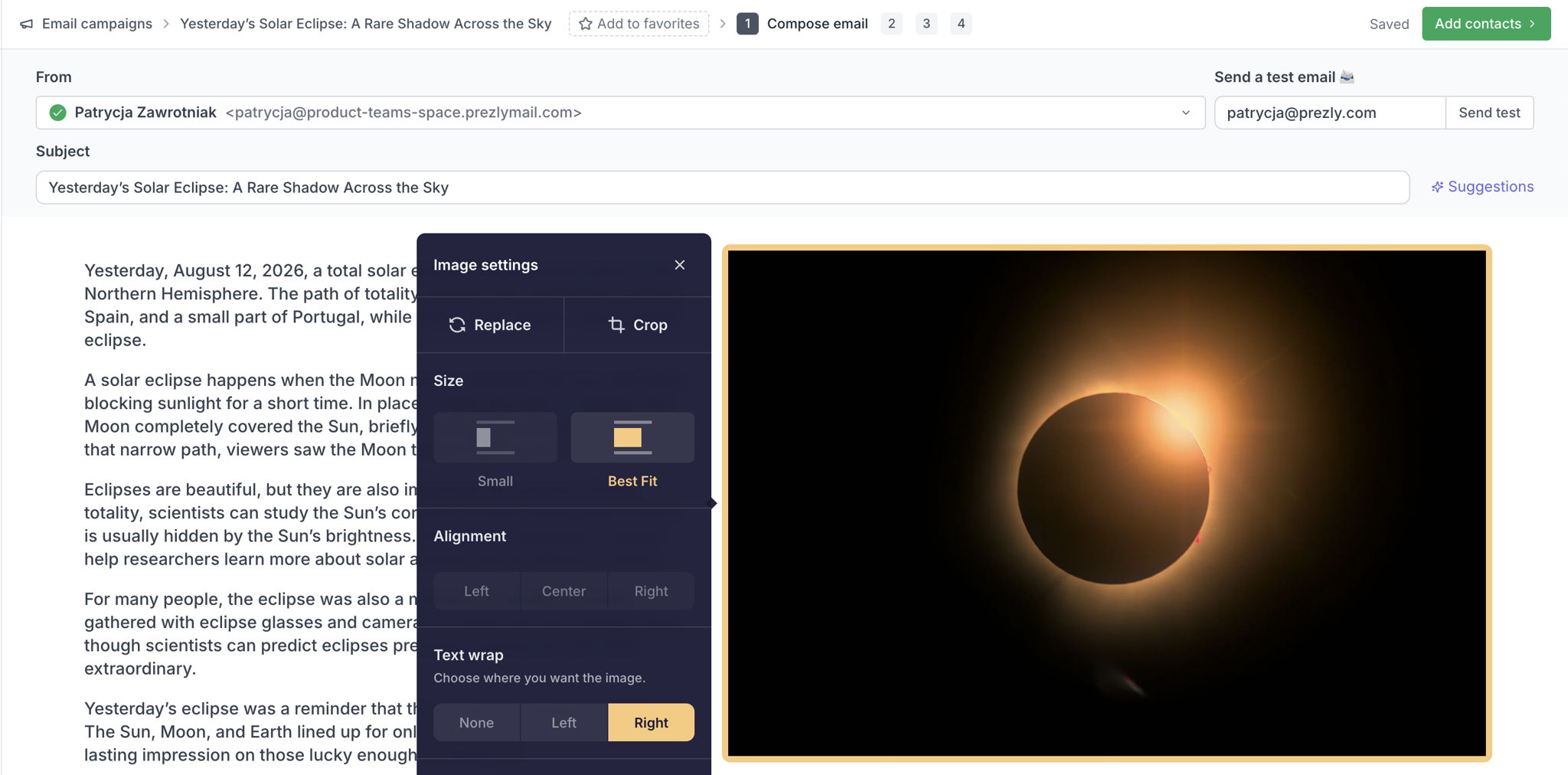
In stories, image sizing is automatically handled when Text wrap is enabled.
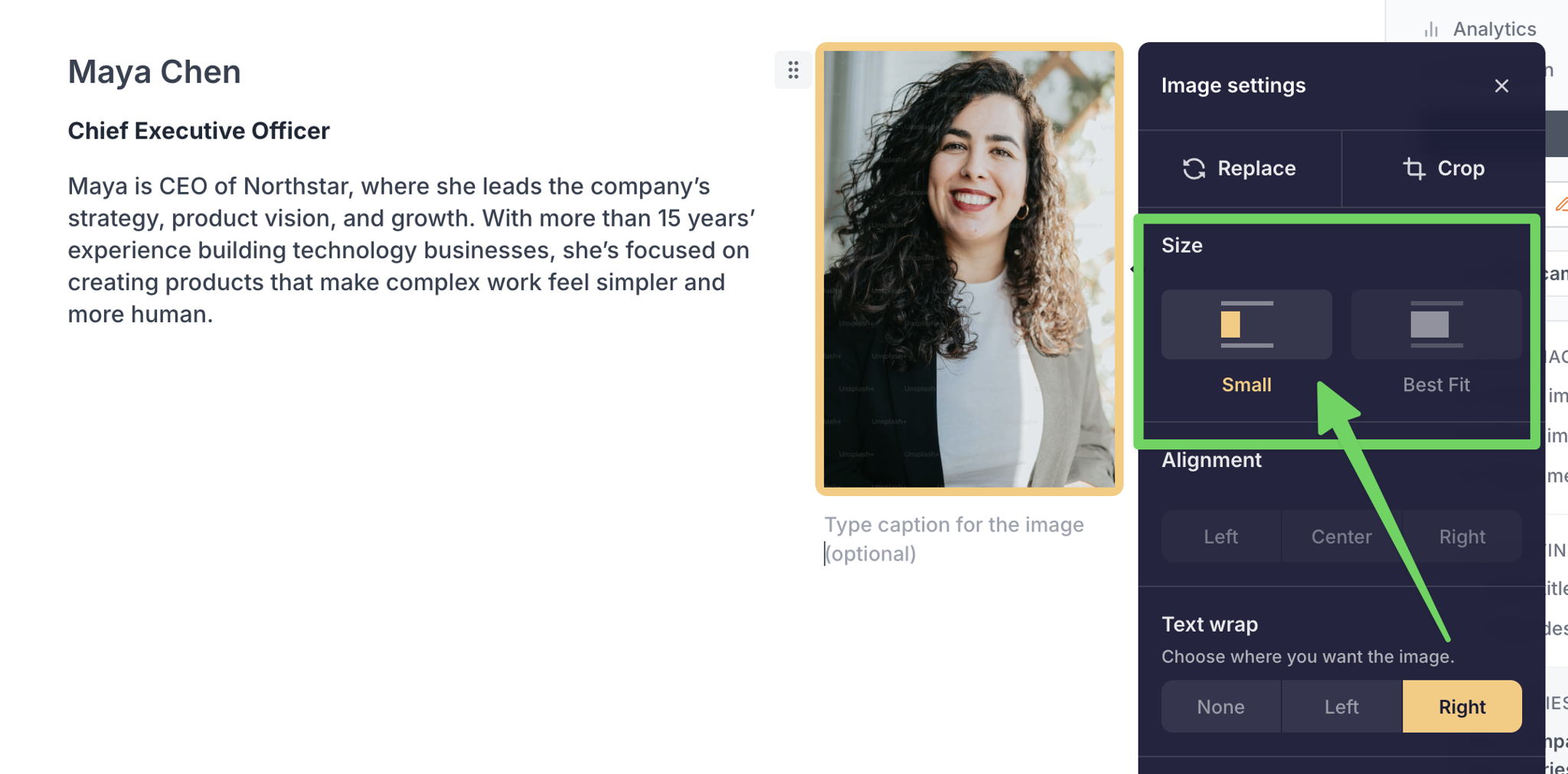
There's also a new option when aligning images alongside text - Size: "Small" - this is particularly useful when you want to place text alongside a smaller image like a headshot, with more room for text.
We’d love your feedback as you try it out, especially if you spot layouts that don’t behave the way you expected.
Join 500+ PR teams already loving Prezly
Take the stress out of contact management and distribution with a dedicated outreach CRM that your whole team can use.