Improvements to site and story preview
We’re making the visit to a new site feel more helpful with quick links for adding content.
Site and story preview now do more than before. Our goal with this project was to make it easier to set up an empty site.
To start, we reworked the preview banner (the little yellow bar that used to be at the top of your story preview).
From now on, when you preview a story, you’ll see a new dark banner with information about the preview and quick links to Site settings and the Story editor.
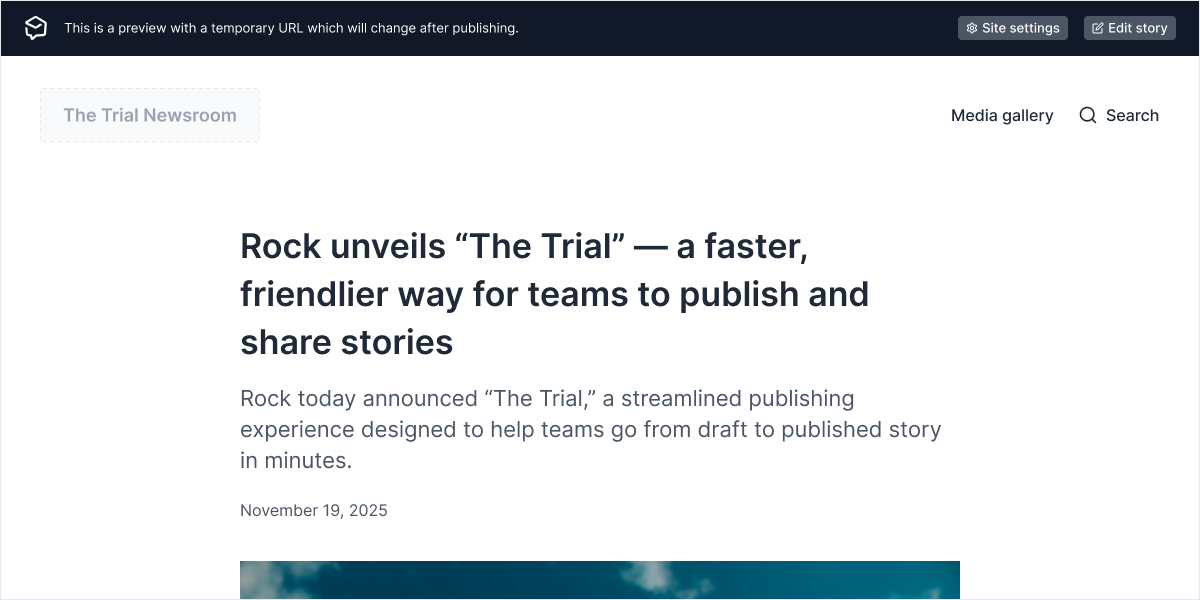
We’ve also extended this banner to other pages of your site. Now, when you visit your site from any link in the Prezly app, a banner will be shown at the top of the page.
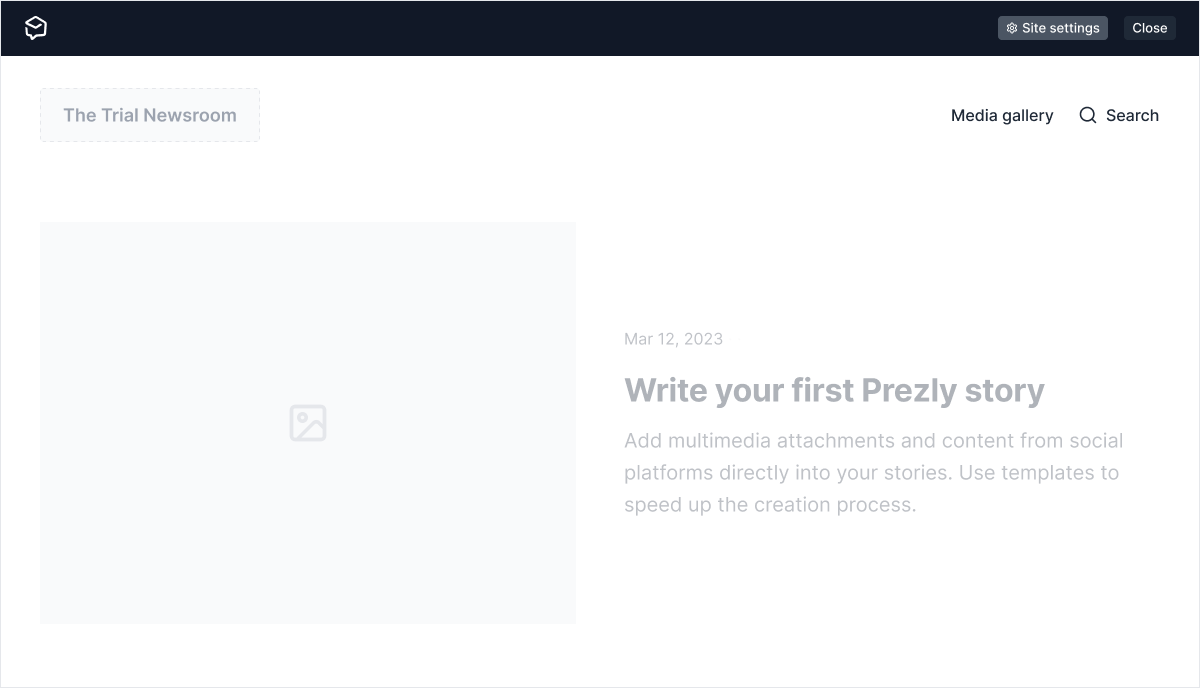
This banner includes a quick link to the Site settings page. If you want to hide it, click the “Close” button.
Last but not least, we introduced new elements to your site preview empty states.
When your site doesn’t have content, we now show placeholder blocks that link directly to the right feature in the Prezly app, so you can add content faster.
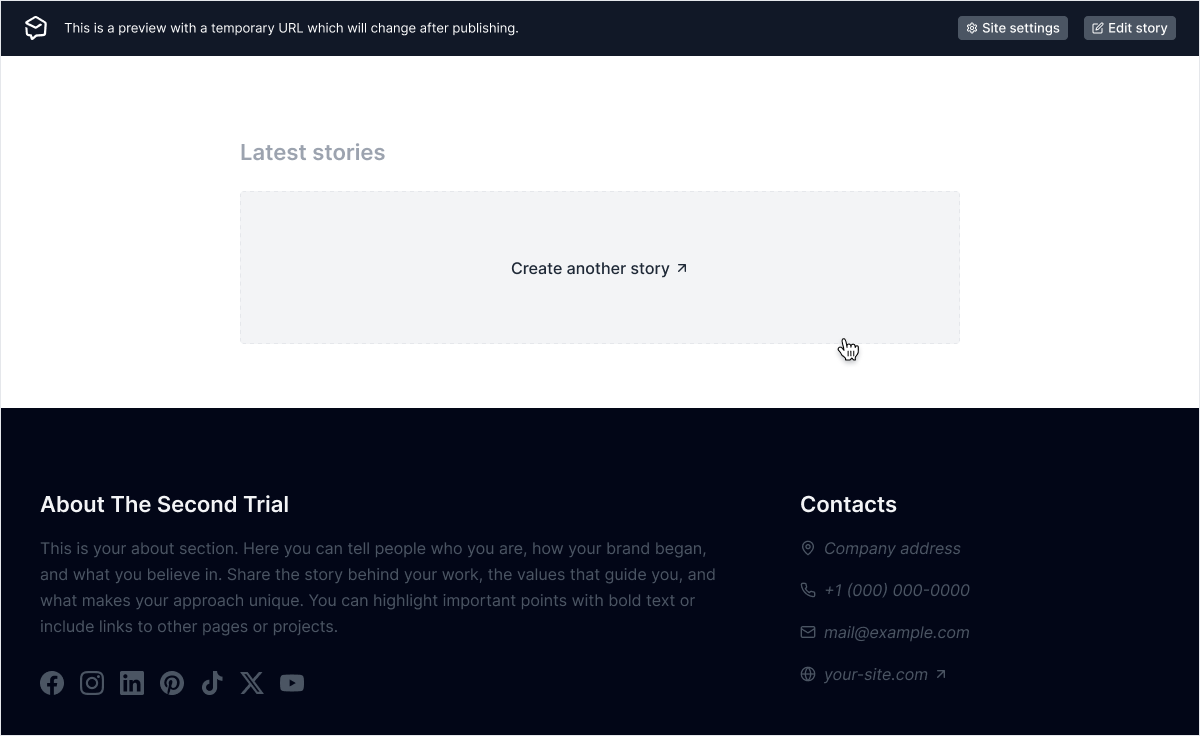
We added placeholder blocks to:
- Site logo
- Media Gallery
- Stories Grid
- Site information (About and Contacts)
- Story page latest stories section
This should help you set up your site quickly and make the most of its features.
Please note: your site visitors will NOT see these placeholders. They only appear in preview. To see the live version of your site, close preview mode.
Join 500+ PR teams already loving Prezly
Take the stress out of contact management and distribution with a dedicated outreach CRM that your whole team can use.