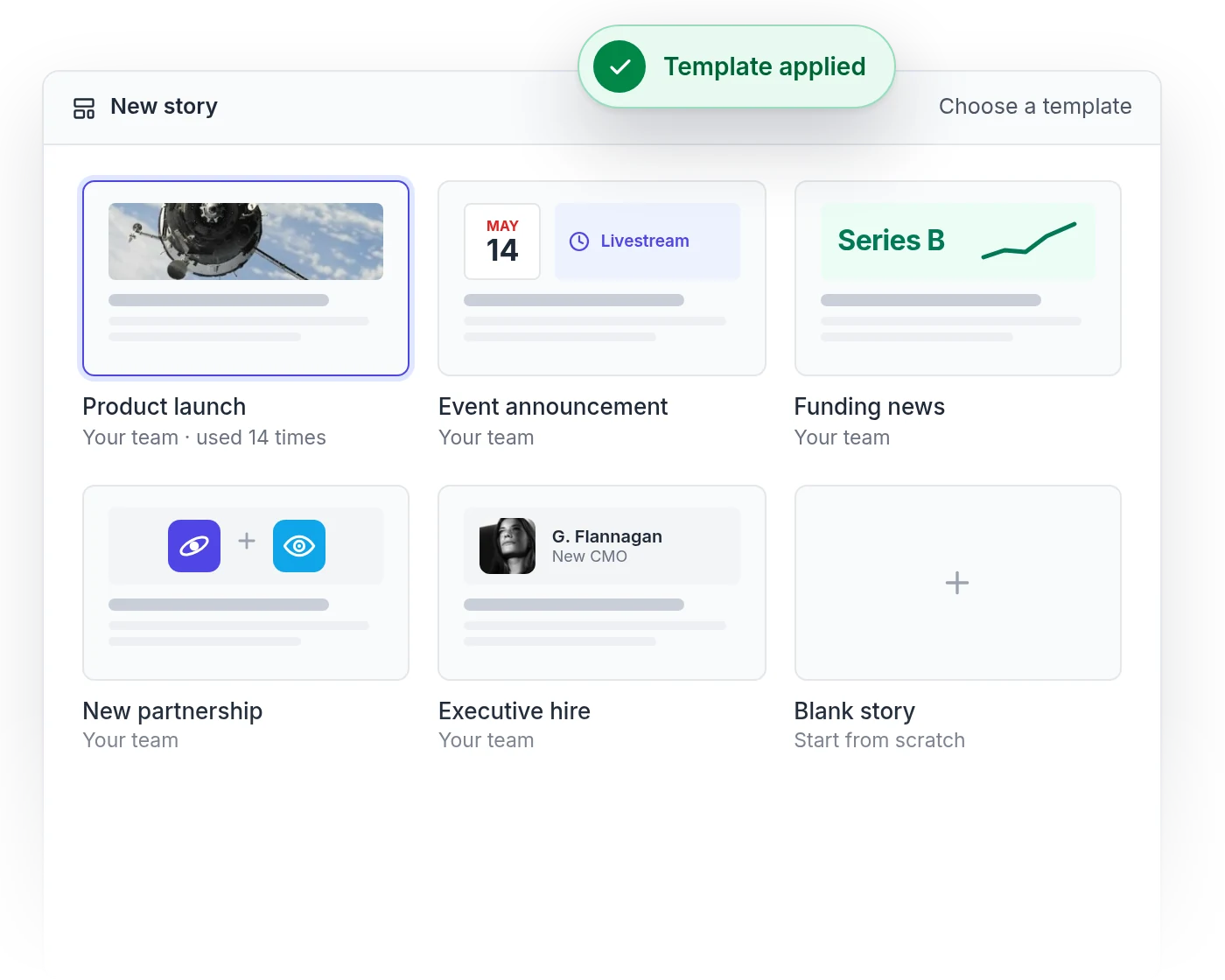
Start from a template for launches, events, funding news or new hires, and save your own for the announcements you make often. Need ideas? See how other PR teams write theirs.
Press release software helps you write, publish and share press releases from one place. Instead of a Word file in an email, your release becomes an online press release with images, video and downloads, published in your newsroom and sent to journalists with a link they can open, share and quote.
Can I use Prezly stories to publish press releases?
Yes, that’s what they were built for. Many teams also use stories for investor updates, newsletters and blog posts.
Does Prezly distribute my press release?
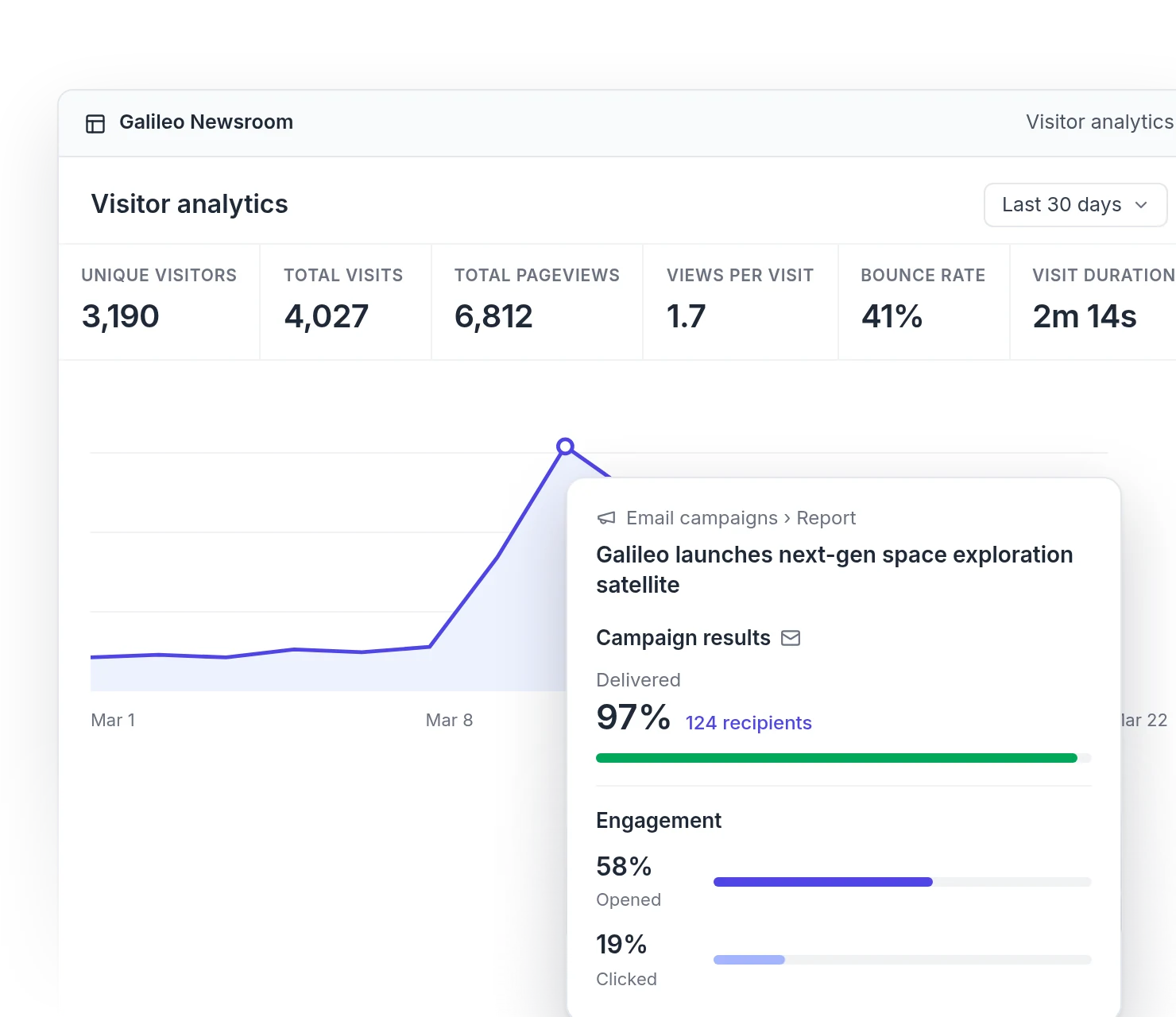
Prezly isn’t a newswire (here’s how it compares). You publish to your own branded newsroom and send the release to journalists in your contact lists with a personalized email campaign, so you can see who opened and clicked. Need new contacts? We can also build a curated media list for your story.
What if I don’t want the public to see my press release yet?
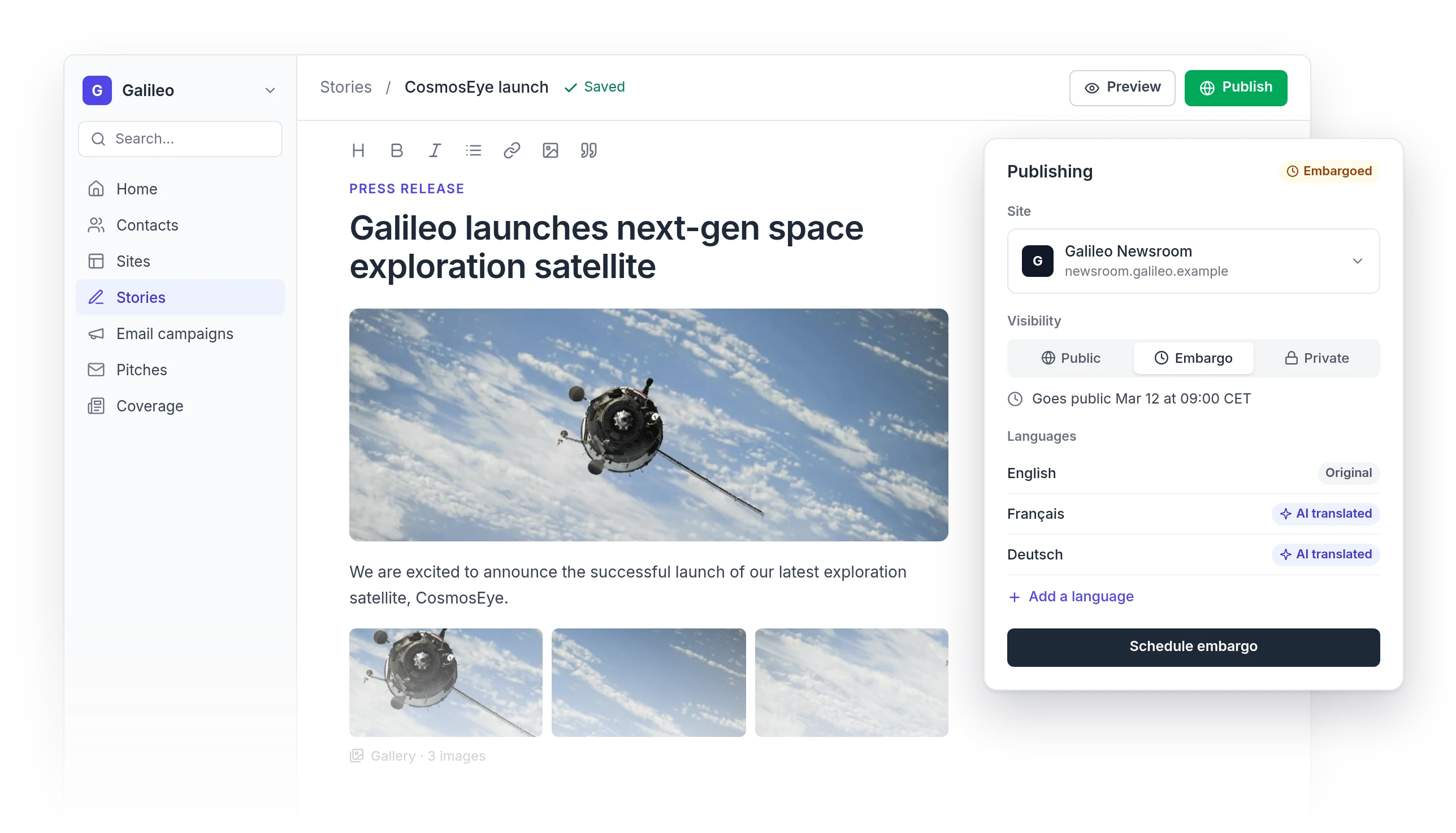
Publish it as private, and only people with the direct link can see it. You can also set an embargo, so the story goes public at the time you choose.
Can I add podcasts, video, or social posts?
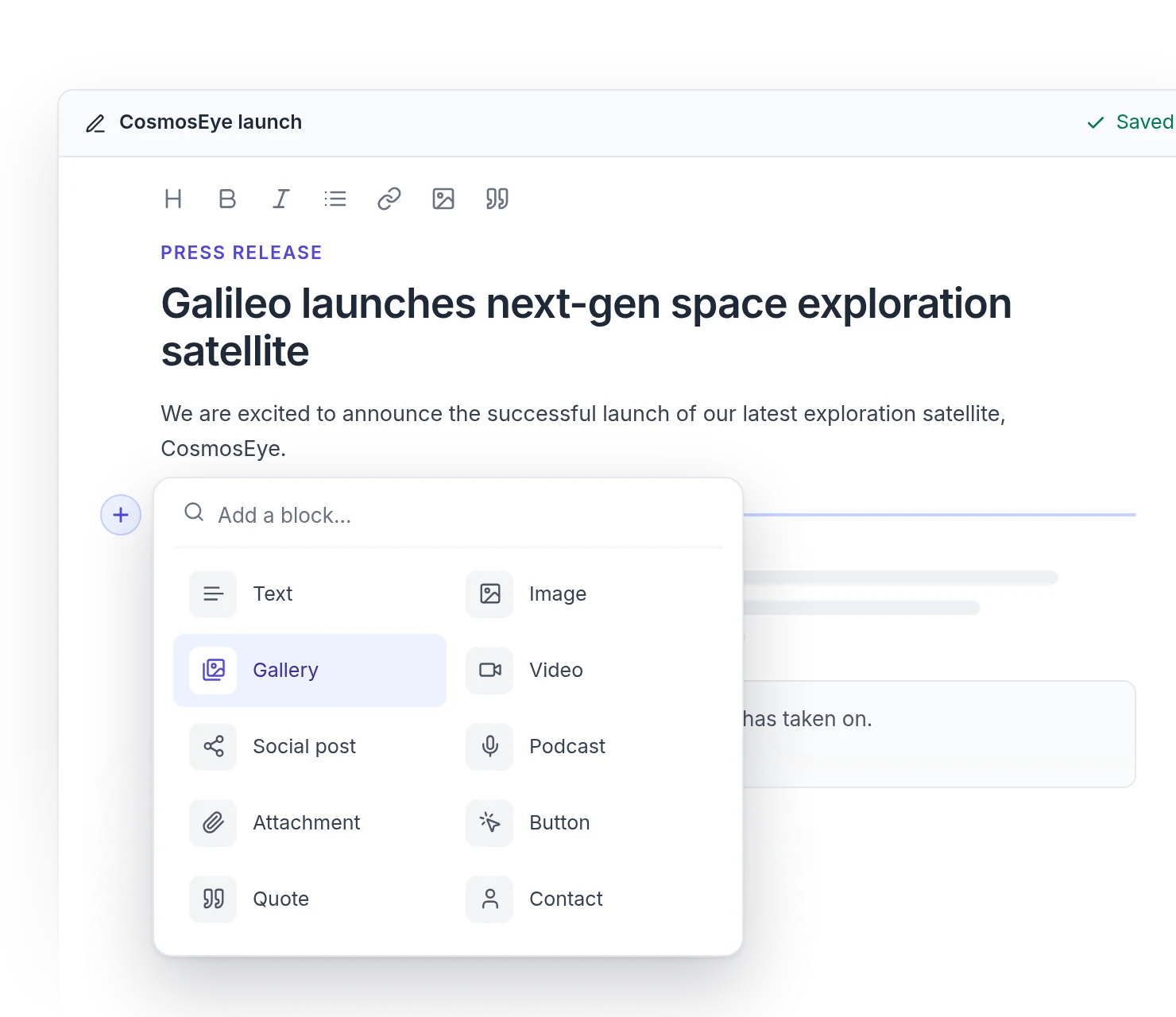
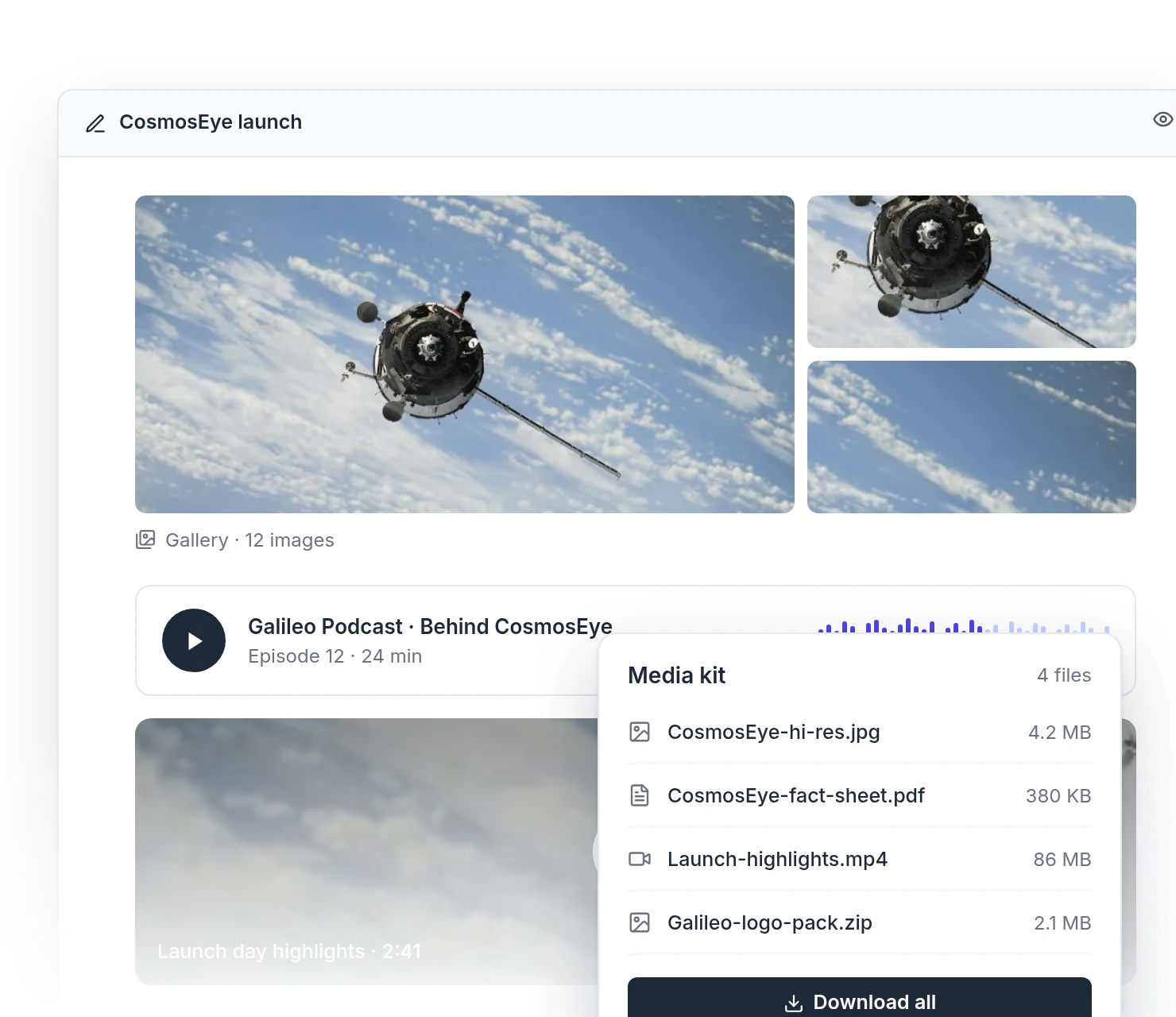
Yes. Embed podcast episodes, videos, social posts, image galleries, buttons and file attachments right into your story.
Do I need to install anything?
No. Prezly runs in your browser, so you can start writing as soon as you sign up.
How much does Prezly cost?
See current plans on our pricing page. Before you choose, you can try Prezly free for 14 days, with no credit card required.
Try Prezly for your team
Software for people who care about PR.
Manage your stories, media contacts, and pitches in one place. Try Prezly yourself or let us show you around.