Story templates are here! 🎉
You can now use ready-made templates when creating stories in Prezly.
Whether you’re announcing news, or sharing updates, templates help you get started faster and keep your content consistent.
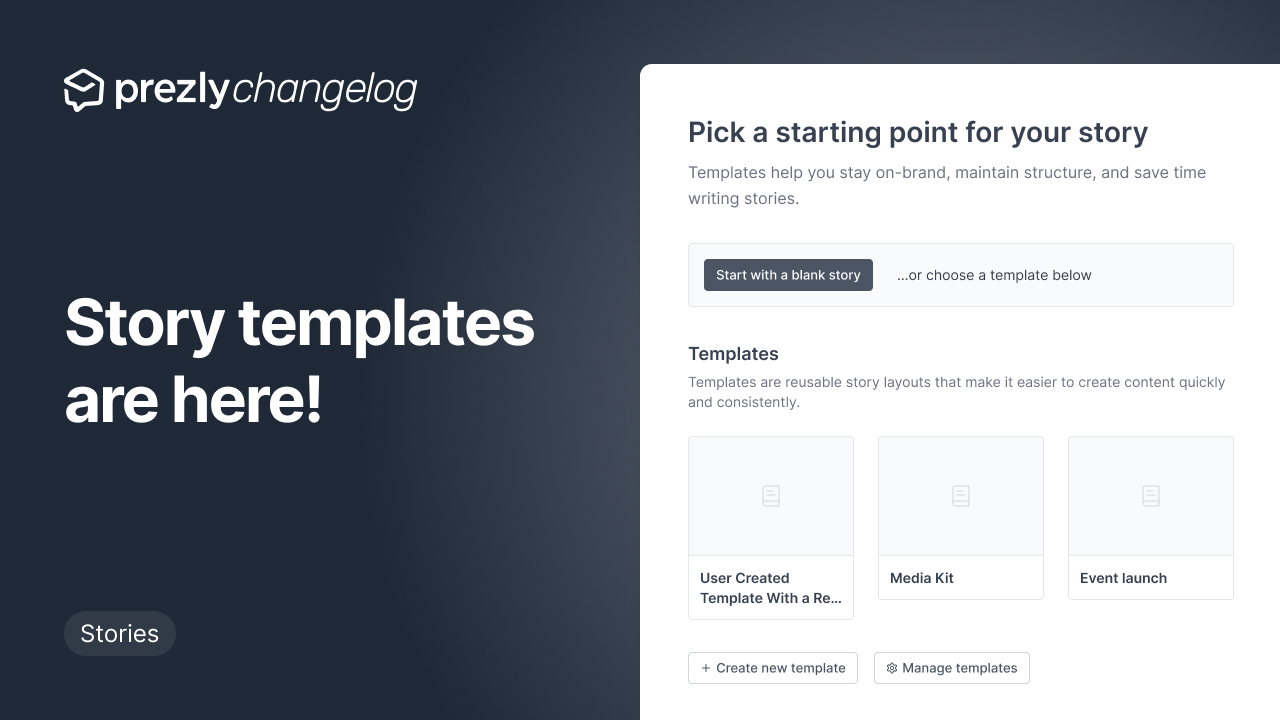
Starting writing from scratch can be time-consuming, especially when you’re creating a similar type of story again and again. With templates, you can save time, ensure best practices, maintain consistency – and focus on the message rather than the formatting.
The new templates feature lives in your account's organization settings, and you can access it via your account settings or in the "More" section of your side navigation.
Here, you can view, edit, or delete any existing templates.
To create a new template:
- Go to Settings → Templates
- Click "Create template" at the top-right of the page
- Add your content to your template
- Add a descriptive name for your template
- Click "Save"
Once created, the template can be used by your entire team to save time and ensure consistency.
- Click to create a new story
- Select the template you want to use from the options that appear. Your selected template will open in a new story
- Edit, add, or remove content to tell your story

Templates can only be chosen when you first create your story. If you have repetitive, template-style content you want to use within stories, you can drop this in using snippets.
Snippets are basically pre-defined content blocks that can be added to stories, campaigns, or pitches. They can be handy when the matter is repeatable content such as contact information, boilerplates, team galleries, etc.
As part of this release, we are also introducing three new default snippets that you can use together with templates.
To learn more about snippets, check out this help article.
Have a great day, and see you around! 👋
Brought to you by...